
 OpenMV MicroPython
 CAN Shield#
The CAN Shield gives the OpenMV Cam a CAN-bus link via a DB9 connector, with an on-board 12 V to 5 V regulator so the shield can power the camera from a vehicle bus.
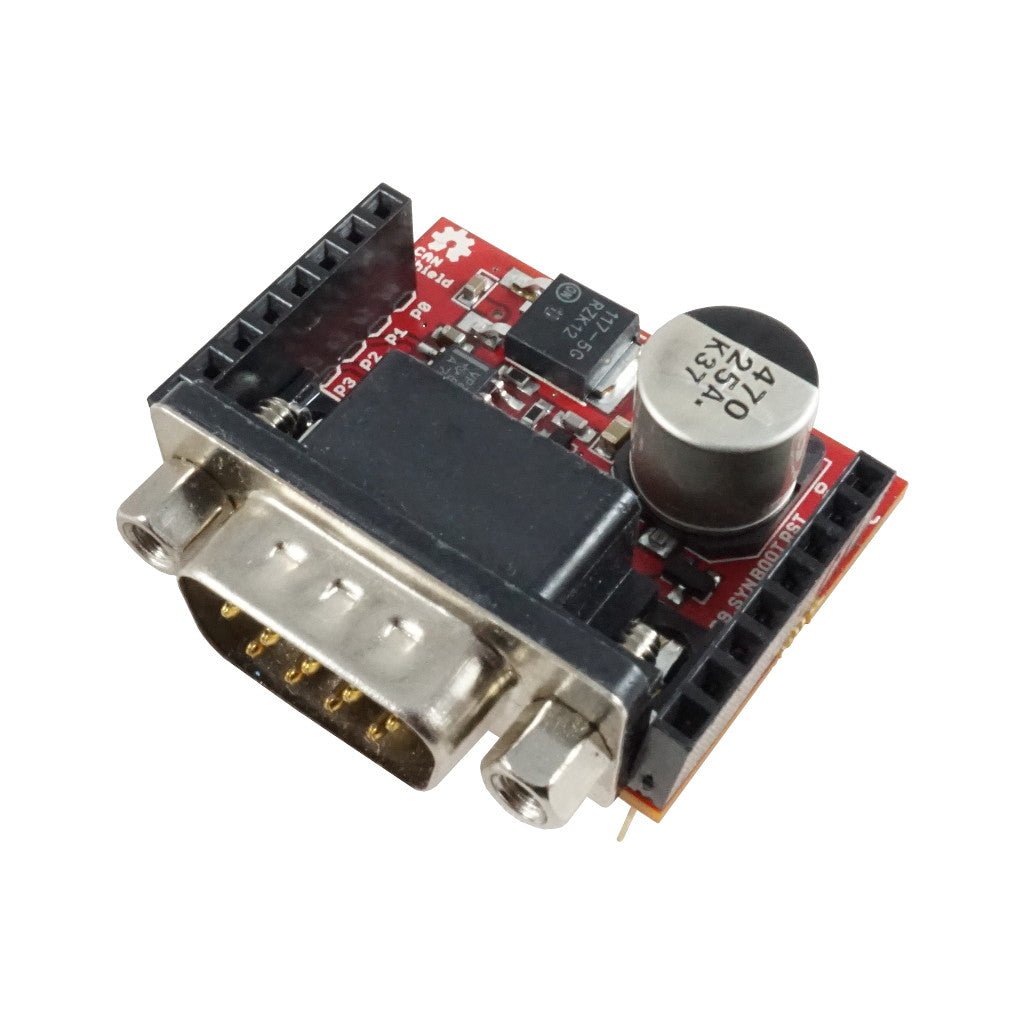
For full datasheet, photos, and ordering see the CAN Shield product page.
Note
Not supported on the OpenMV Cam RT1062.
Highlights#
CAN bus up to 1 Mb/s
On-board 12 V to 5 V regulator
Pinout#
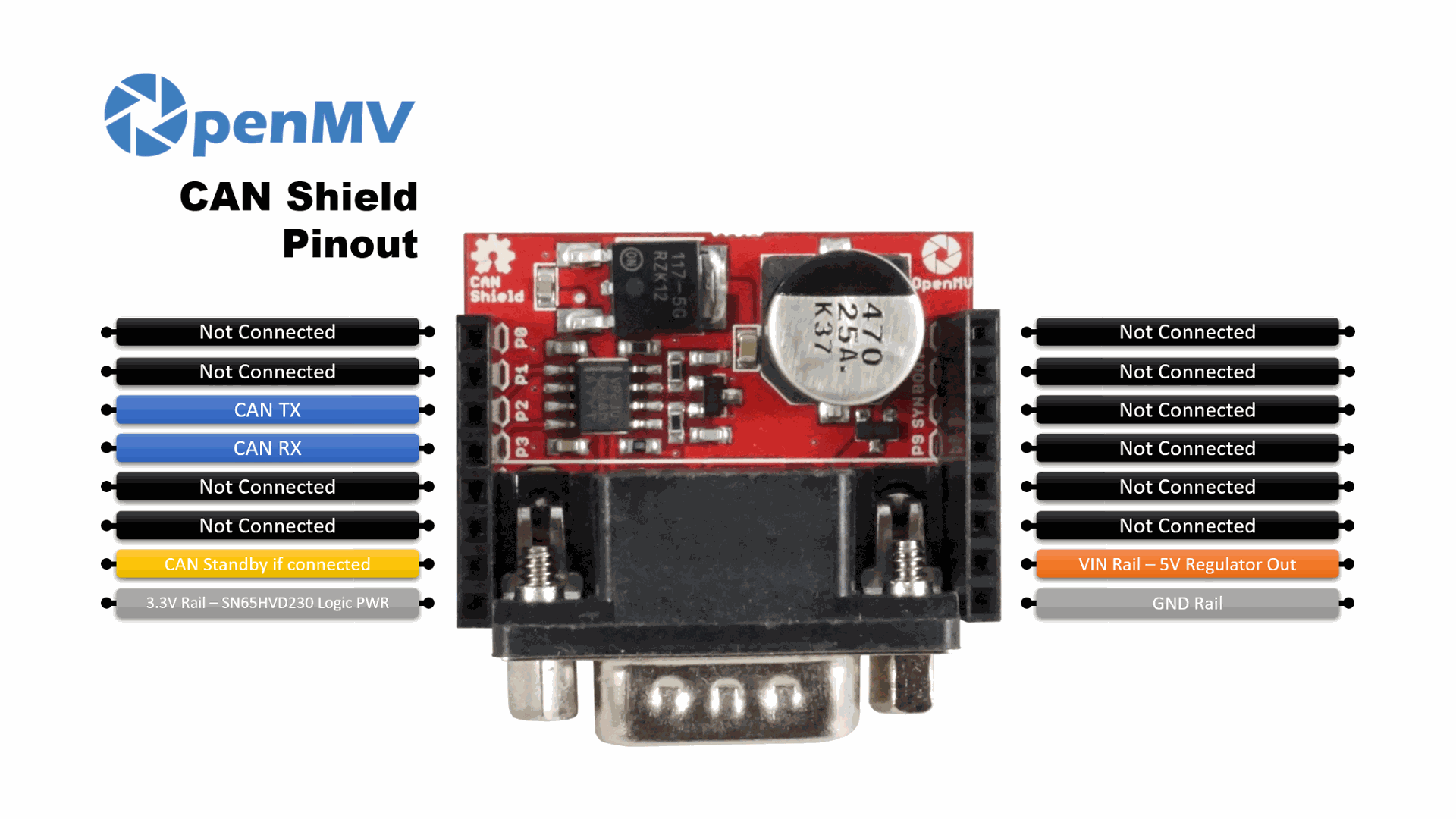
Pin reference#
Pin | Function |
|---|---|
P2 | CAN TX |
P3 | CAN RX |
P6 | CAN standby (optional — see note) |
PWR in | 12 V vehicle-bus input on the DB9 connector |
VIN out | 5 V regulator output (powers the camera) |
3.3V rail | Powers the SN65HVD230 logic |
GND rail | Common ground |
Note
The SN65HVD230’s standby line is disconnected from P6 by default. Connect the on-board solder bridge to tie it to P6, then drive P6 high to put the transceiver into listen-only standby mode (low keeps it in normal transmit-and-receive mode).
Note
CANL, CANH, VIN, and GND from the DB9 connector are also broken out to through-hole pads on the bottom of the shield — solder wires there if you want to skip the DB9 entirely.
Note
The DB9 pinout can be changed between the standard DB9 CAN layout and the OBD-II layout by changing the three solder-bridge jumpers on the bottom of the shield.
Note
The on-board 120-ohm termination resistor is connected by default. It can be disabled via a solder bridge on the bottom of the shield for buses that already have termination elsewhere.
Usage#
Note
The CAN(1) peripheral number below follows the STM32 mapping. On another processor the bus wired to these pins may be different — check your board’s reference.
Send and receive frames on the CAN bus at 1 Mb/s:
from machine import CAN
import time

can = CAN(2, 1_000_000)
can.set_filters(None)

can.send(0x123, b"\xDE\xAD\xBE\xEF")
print(can.recv())
With the on-board solder bridge connected, drive P6 high to put the SN65HVD230 into listen-only standby mode (low returns it to normal transmit-and-receive):
from machine import Pin
Pin("P6", Pin.OUT).value(1)  # listen-only standby