
 OpenMV MicroPython
 13.2.6. The serial terminal#
The pane along the bottom of the window is the serial terminal: everything the running script writes to standard output – every print(), every warning, every traceback – streams into it live. It is how a running product reports what it is doing. Open and close it from its button in the bottom status bar; like the other panes, you can drag it larger or collapse it entirely.
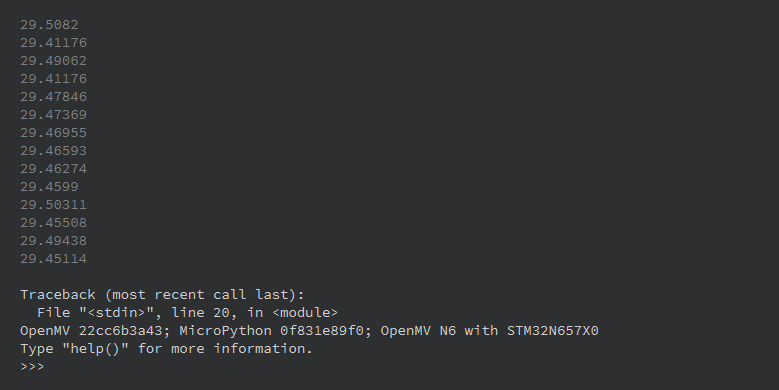
The serial terminal: the script’s prints, a traceback if the script fails, and the camera’s banner.#
The terminal keeps a deep scrollback, and its toolbar offers a filter box that narrows the view to lines matching a search, a save button that writes the whole buffer to a text file, and a wrap toggle for long lines. The text zooms with Ctrl+scroll. Scroll up and the auto-scroll pauses so you can read earlier output while the script keeps printing; scroll back to the bottom and it resumes.
The pane is output-only – it displays what the camera prints but does not accept typed input.