
 OpenMV MicroPython
15.2. OpenMV Projects Tools
The OpenMV Projects Tools are a growing collection of desktop GUI applications, each paired with a companion MicroPython script on the camera. The cam captures and streams sensor data; the desktop app receives it over USB and provides the real-time visualisation, parameter tuning, or calibration workflow that one specific use case needs.
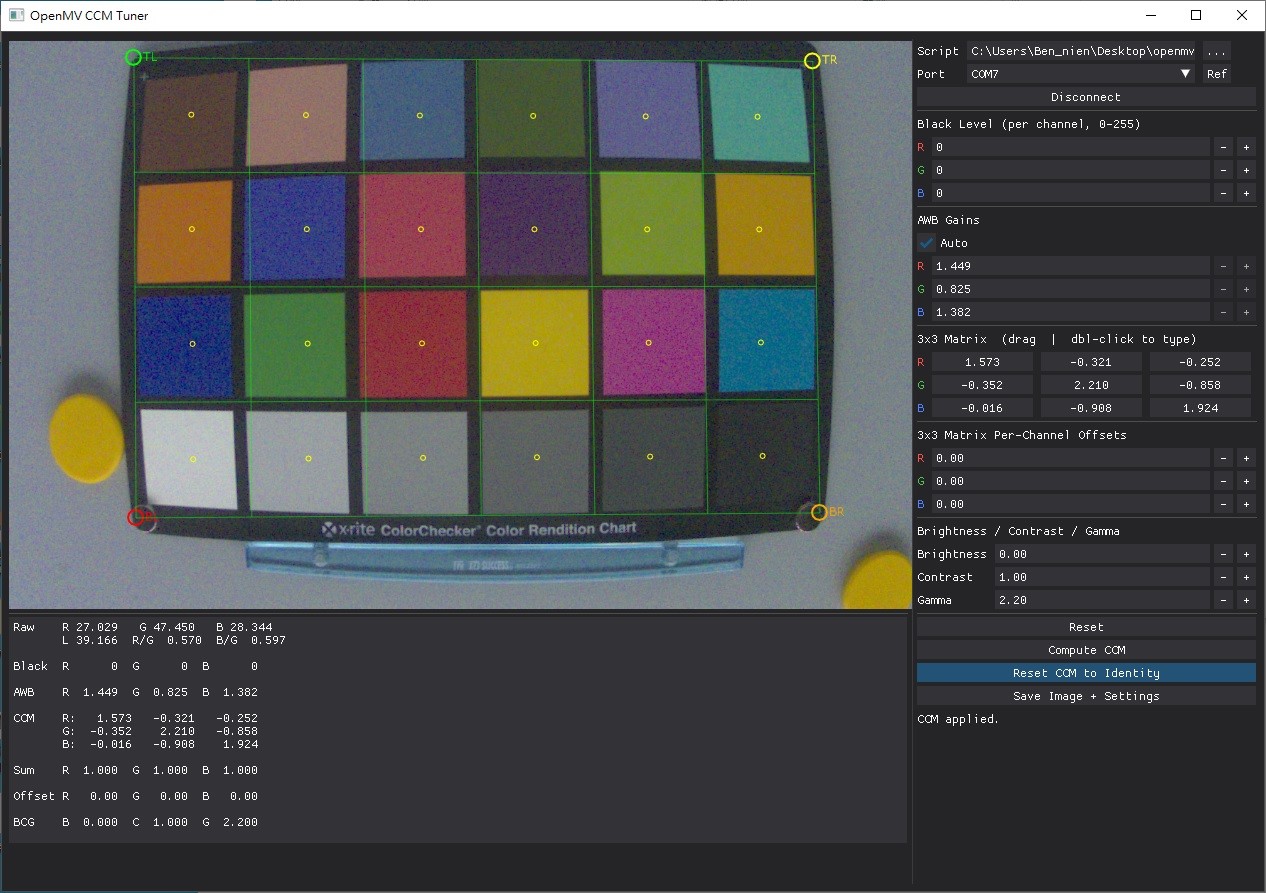
Each tool has its own subdirectory in the repository with the desktop script, the companion cam-side script, a README covering install and usage, and screenshots.
Tools currently in the repository include calibration utilities for overlaying thermal or event-camera output on a colour frame, an interactive ISP tuner for the OpenMV N6’s colour pipeline (live debayer, white balance, and colour-correction matrix), and a real-time visualiser for the Prophesee GenX320 event sensor. New tools land in the repository as new sensors or workflows call for one.
Every tool follows the same shape: a Python desktop application built with DearPyGui, talking to the cam through the openmv Python package over USB serial. Python 3.12 or newer is required; macOS and Linux give the best USB throughput.