
 OpenMV MicroPython
FLIR Lepton Adapter
The FLIR Lepton Adapter Module connects FLIR Lepton thermal cores (sold separately) to the OpenMV Cam, with both AGC and direct-thermal modes for human / object temperature measurement.
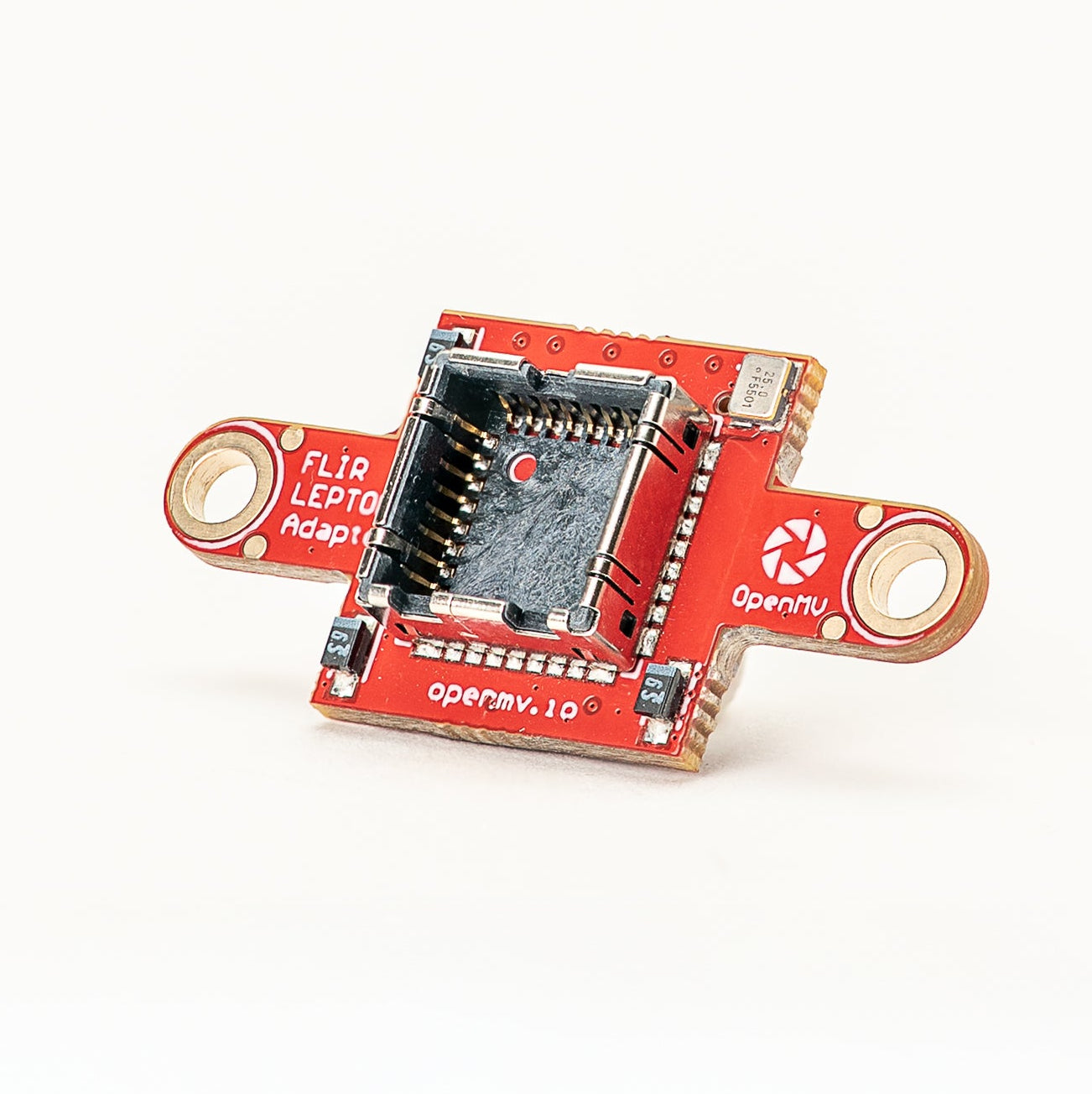
For full datasheet, photos, and ordering see the FLIR Lepton Adapter product page.
Highlights
Compatible with FLIR Lepton 1.x / 2.x / 3.x cores (sold separately)
Both AGC and direct-thermal modes with temperature mapping
Sees in total darkness
Compatible with all modular OpenMV Cam base boards
Usage
Drive the Lepton through csi.CSI with cid= csi.LEPTON.
The driver internally upscales the Lepton’s 80x60 (1.x/2.x) or
160x120 (3.x) native frame to whatever framesize you set:
import csi
import time

csi0 = csi.CSI(cid=csi.LEPTON)
csi0.reset()
csi0.pixformat(csi.GRAYSCALE)
csi0.framesize(csi.QVGA)
clock = time.clock()

while True:
    clock.tick()
    img = csi0.snapshot()
    print(clock.fps())
To get colorized frames straight from the sensor, switch the
pixformat to csi.RGB565 and set csi.CSI.color_palette to
image.PALETTE_IRONBOW — the driver emits RGB565 frames with the
palette applied, so snapshot() returns ironbow-colored frames
directly:
csi0.pixformat(csi.RGB565)
csi0.color_palette(image.PALETTE_IRONBOW)
Temperature measurement
Radiometric Leptons (Lepton 2.5 / 3.5) report calibrated per-pixel
temperature data. Enable measurement mode through csi.CSI.ioctl
with csi.IOCTL_LEPTON_SET_MODE, then clamp the temperature window
with csi.IOCTL_LEPTON_SET_RANGE (min_celsius, max_celsius).
The Lepton driver linearly maps grayscale pixel value 0 to
min_celsius and 255 to max_celsius, so each pixel becomes
a temperature lookup within the configured window. Pixels colder
than min_celsius saturate at 0, pixels hotter than
max_celsius saturate at 255.
csi.IOCTL_LEPTON_SET_MODE takes two flags. The first turns
measurement on; the second selects the sensor’s temperature range:
Low range —
(True, False)— sensor span-10 °Cto+140 °C(room-scale scenes). Clamp the window to the area of interest, e.g.(20.0, 40.0)for body-heat tracking:csi0.ioctl(csi.IOCTL_LEPTON_SET_MODE, True, False) csi0.ioctl(csi.IOCTL_LEPTON_SET_RANGE, 20.0, 40.0)
High range —
(True, True)— sensor span-10 °Cto~+450 °Ctypical (~+400 °Cat room temperature) for hot objects. Clamp to e.g.(0.0, 400.0)for furnace or hot-element tracking:csi0.ioctl(csi.IOCTL_LEPTON_SET_MODE, True, True) csi0.ioctl(csi.IOCTL_LEPTON_SET_RANGE, 0.0, 400.0)
To convert a grayscale pixel back to Celsius:
def p_to_temp(p, min_t, max_t):
    return (p * (max_t - min_t)) / 255.0 + min_t
This works on individual pixels or on aggregated statistics
(e.g. stats.mean() from Image.get_statistics) inside an
ROI when locating hot/cool regions with Image.find_blobs.
Note
Temperature measurement requires the Lepton in grayscale mode
with no color palette set — the linear pixel-to-temperature
mapping only holds on the raw grayscale output. To colorize
for display, do it separately by drawing the grayscale frame
onto an RGB output buffer with Image.draw_image and
color_palette= image.PALETTE_IRONBOW:
out = image.Image(csi0.width(), csi0.height(), image.RGB565)
out.draw_image(img, 0, 0, color_palette=image.PALETTE_IRONBOW)