
 OpenMV MicroPython
Global Shutter Camera Module
The Global Shutter Camera Module is a monochrome sensor that captures fast motion without rolling-shutter artifacts. Suited to high-speed tracking, drones, and machine-vision snapshots. The module ships with either the MT9V024 or MT9V034 sensor.
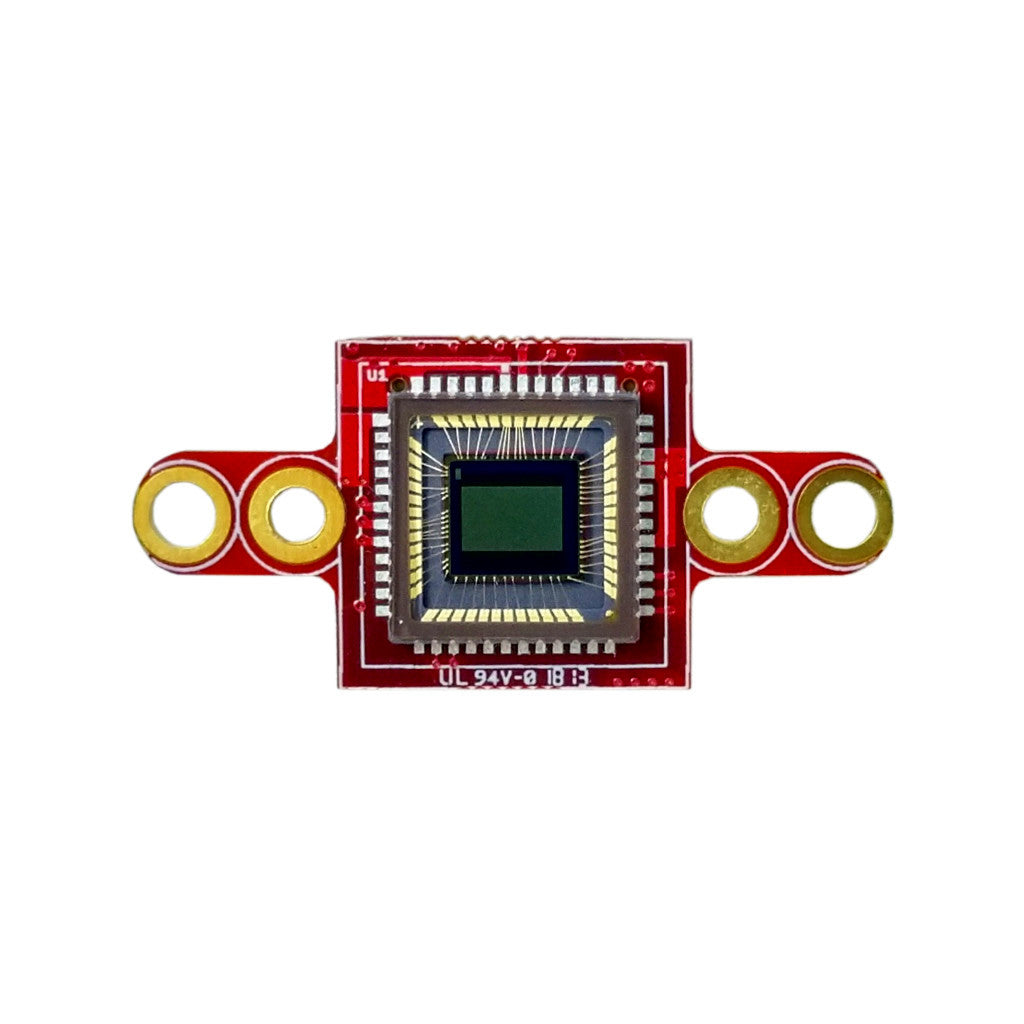
For full datasheet, photos, and ordering see the Global Shutter Camera Module product page.
Highlights
752x480 global-shutter monochrome sensor
80 FPS at QVGA, 200 FPS at QQVGA, 400 FPS at QQQVGA
55 dB dynamic range
Compatible with all modular OpenMV Cam base boards
Usage
Stream grayscale video at 320x240 (QVGA):
import csi
import time

csi0 = csi.CSI()
csi0.reset()
csi0.pixformat(csi.GRAYSCALE)
csi0.framesize(csi.QVGA)
clock = time.clock()

while True:
    clock.tick()
    img = csi0.snapshot()
    print(clock.fps())
The sensor automatically activates pixel binning at lower
resolutions — 2x at QVGA (320x240) or smaller, 4x at QQVGA
(160x120) or smaller — which cuts readout time proportionally and
pushes the frame rate up. The camera still has to integrate light
for the requested exposure window though, so pair the framesize
drop with a shorter exposure cap via csi.CSI.auto_exposure to
actually hit the higher rates (the image will be darker — plan on
extra lighting):
import csi
import time

csi0 = csi.CSI()
csi0.reset()
csi0.pixformat(csi.GRAYSCALE)
csi0.framesize(csi.QQVGA)
csi0.snapshot(time=2000)  # let auto-exposure settle
csi0.auto_exposure(True, exposure_us=5000)  # cap exposure
clock = time.clock()

while True:
    clock.tick()
    img = csi0.snapshot()
    print(clock.fps())
Triggered mode lines pixel integration up exactly with each
csi.CSI.snapshot call, so captures synchronize to the snapshot
rather than the camera’s free-running frame clock — useful for
syncing to an external event or another sensor. Enable it through
csi.CSI.ioctl with csi.IOCTL_SET_TRIGGERED_MODE — frame rate
drops to roughly half of free-running mode because the readout no
longer pipelines with the next frame’s integration:
import csi
import time

csi0 = csi.CSI()
csi0.reset()
csi0.pixformat(csi.GRAYSCALE)
csi0.framesize(csi.VGA)
csi0.snapshot(time=2000)

csi0.ioctl(csi.IOCTL_SET_TRIGGERED_MODE, True)

clock = time.clock()
while True:
    clock.tick()
    img = csi0.snapshot()
    print(clock.fps())