
 OpenMV MicroPython
13.7.1. Creating a project
From the Roboflow workspace, New Project opens the create page. A project bundles a dataset, the models trained on it, and their deployment targets.
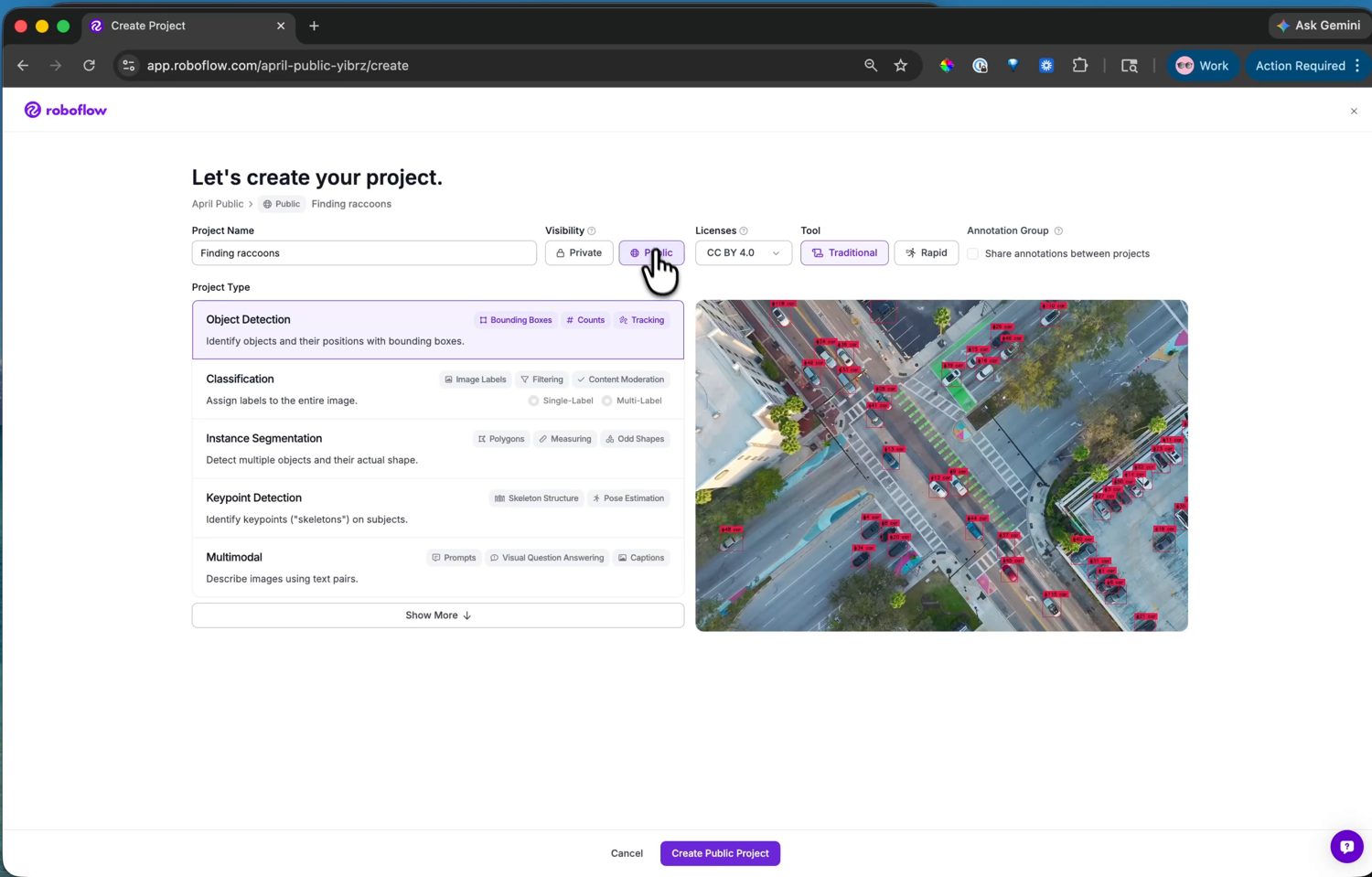
The create-project page, with Object Detection chosen as the project type.
Two choices matter here:
Project Name. Use anything memorable – this example uses
Finding raccoons. The name becomes part of the model’s identifier, which you download at the deploy step.Project Type. This sets what the model predicts, so match it to what you want the camera to do. Object Detection – finding objects and their positions with bounding boxes – is the one for locating things in the frame, and it is what the camera’s YOLO post-processors decode. The other types – classification, instance segmentation, keypoint detection – train different model heads; this example uses object detection.
The visibility and license options affect only whether the dataset is shared publicly on Roboflow Universe – they have no bearing on the model that ends up on the camera. Set them as you like, then Create Project.