
 OpenMV MicroPython
13.7.5. Deploying to the camera
The trained model lives on Roboflow’s servers. Getting it onto the camera takes one download, then the same steps as loading any other model.
13.7.5.1. Downloading the weights
On the Deployments page, choose Deploy to 3rd Party
Platforms and select the OpenMV tab. It downloads the model’s
weights as a single integer-quantized .tflite file, named after
the project and version – the int8 format the camera’s TFLite
engine runs.
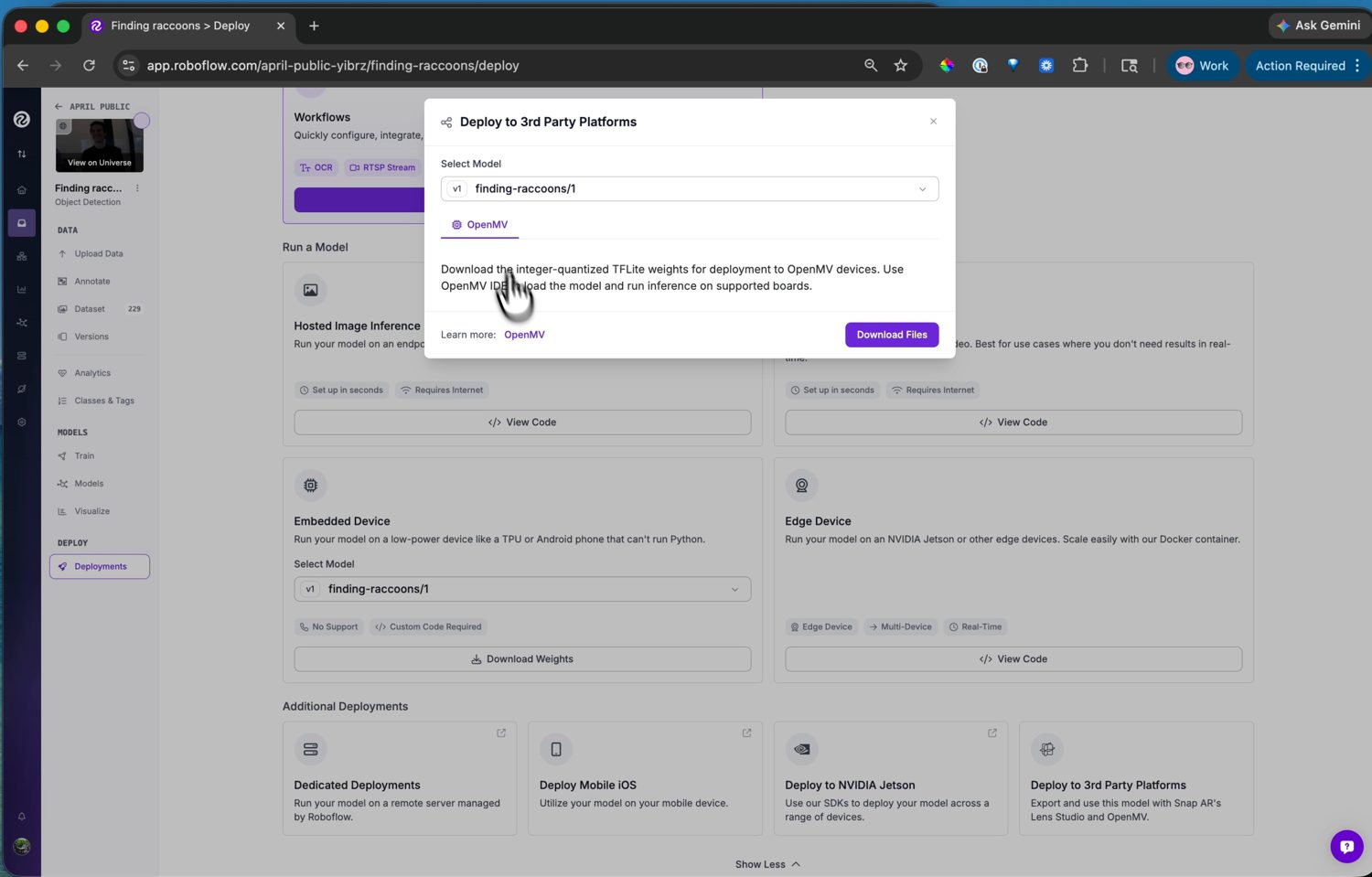
The OpenMV deploy target – Download Files saves
the camera-ready .tflite weights.
13.7.5.2. Loading it on the camera
Add the .tflite file to the camera with the IDE’s ROMFS
editor, which converts it for the board’s NPU when
the board has one, then load it in a script with ml.Model.
Models also run from the camera’s flash drive – copy the file over
and point ml.Model at the path – but ROMFS is the better home:
models there execute straight from flash without a RAM copy.
A detection model’s raw output is a tensor of box coordinates and
class scores that still needs decoding. Roboflow’s YOLO-family
detectors decode with the post-processors the camera ships in
ml.postprocessing.ultralytics, so a few lines wire the model
to its decoder and you have boxes and labels.
See also
The machine learning chapter for running
models with the ml module – loading, the inference
pipeline, and the walkthrough of decoding YOLO-family
output.