
 OpenMV MicroPython
LCD Shield
The LCD Shield is a 1.8 inch 128x160 SPI TFT for showing live frames or debugging information directly from the OpenMV Cam. Ideal for field robotics and stand-alone deployments.
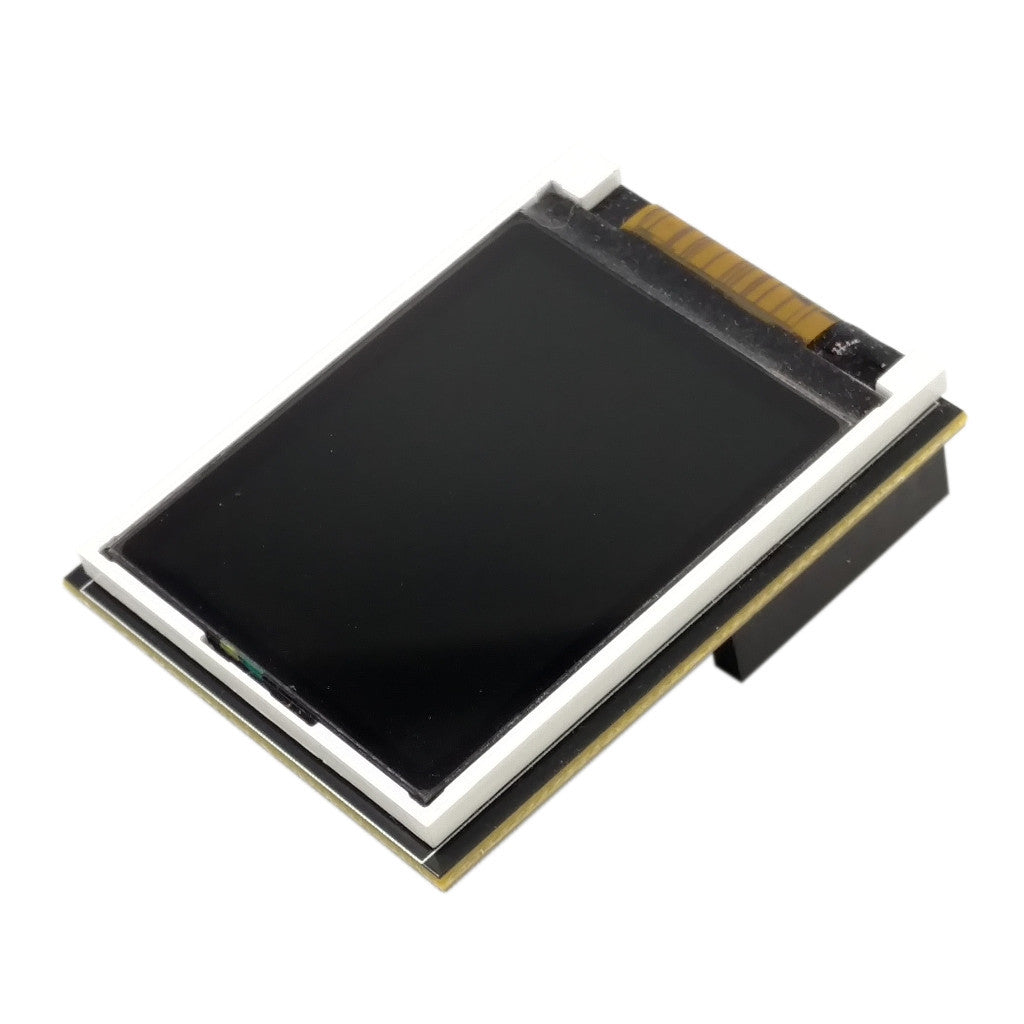
For full datasheet, photos, and ordering see the LCD Shield product page.
Highlights
1.8 inch TFT LCD, 128x160, RGB565
Controllable backlight
Pinout
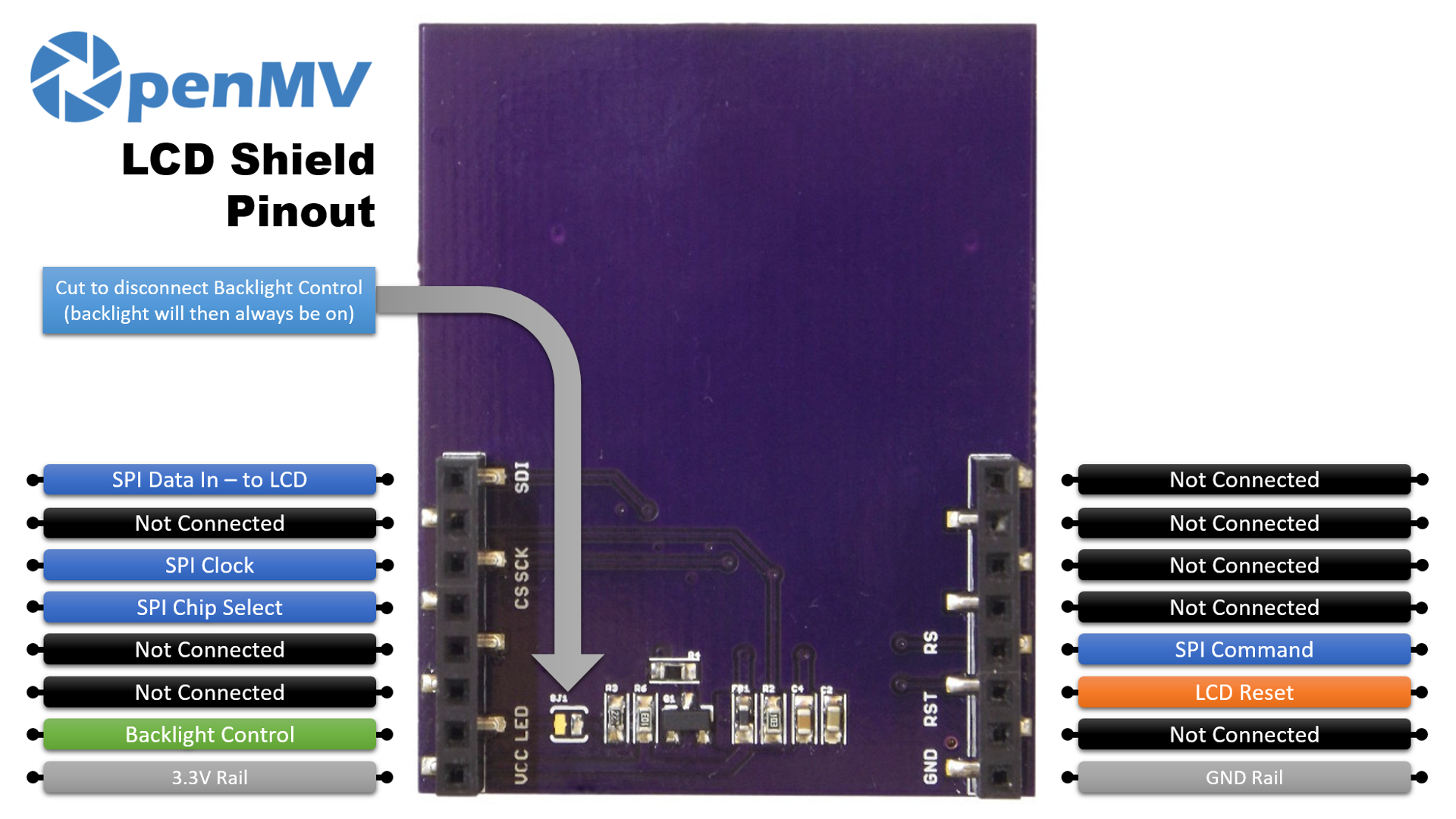
Pin reference
Pin |
Function |
|---|---|
P0 |
SPI MOSI — data out to the LCD |
P2 |
SPI clock |
P3 |
SPI chip select |
P5 |
Backlight control |
P7 |
LCD reset |
P8 |
SPI command (data / command select) |
3.3V rail |
Powers the LCD |
GND rail |
Common ground |
Note
Cut the solder trace on the back of the shield to disconnect P5 from the backlight; the backlight is then permanently on.
Usage
Stream camera frames to the 128×160 SPI display:
import csi
import display
import image
import time

csi0 = csi.CSI()
csi0.reset()
csi0.pixformat(csi.RGB565)
csi0.framesize((128, 160))

lcd = display.SPIDisplay()
clock = time.clock()

while True:
    clock.tick()
    lcd.write(csi0.snapshot(), hint=image.CENTER | image.SCALE_ASPECT_KEEP)
    print(clock.fps())
Drive the backlight via PWM for adjustable brightness. Wrap
machine.PWM in a small backlight controller class and pass
it to display.SPIDisplay through its backlight argument —
SPIDisplay calls backlight(value) on the object
whenever it needs to update the level:
import csi
import time
import display
import image
from machine import Pin, PWM


class PWMBacklight:
    """Drives a backlight pin with machine.PWM (0–100 %)."""

    def __init__(self, pin, frequency=200):
        self._pwm = PWM(Pin(pin), freq=frequency, duty_u16=0)

    def backlight(self, value):
        self._pwm.duty_u16(int(value * 65535 / 100))

    def deinit(self):
        self._pwm.deinit()


csi0 = csi.CSI()
csi0.reset()
csi0.pixformat(csi.RGB565)
csi0.framesize((128, 160))

lcd = display.SPIDisplay(backlight=PWMBacklight("P5"))
lcd.backlight(50)  # 0–100
clock = time.clock()

while True:
    clock.tick()
    lcd.write(csi0.snapshot(), hint=image.CENTER | image.SCALE_ASPECT_KEEP)
    print(clock.fps())