
 OpenMV MicroPython
WiFi Shield
The WiFi Shield adds 2.4 GHz Wi-Fi to OpenMV Cams that don’t have on-board networking, using the Atmel WINC1500 module. It plugs into the bottom of any OpenMV Cam header.
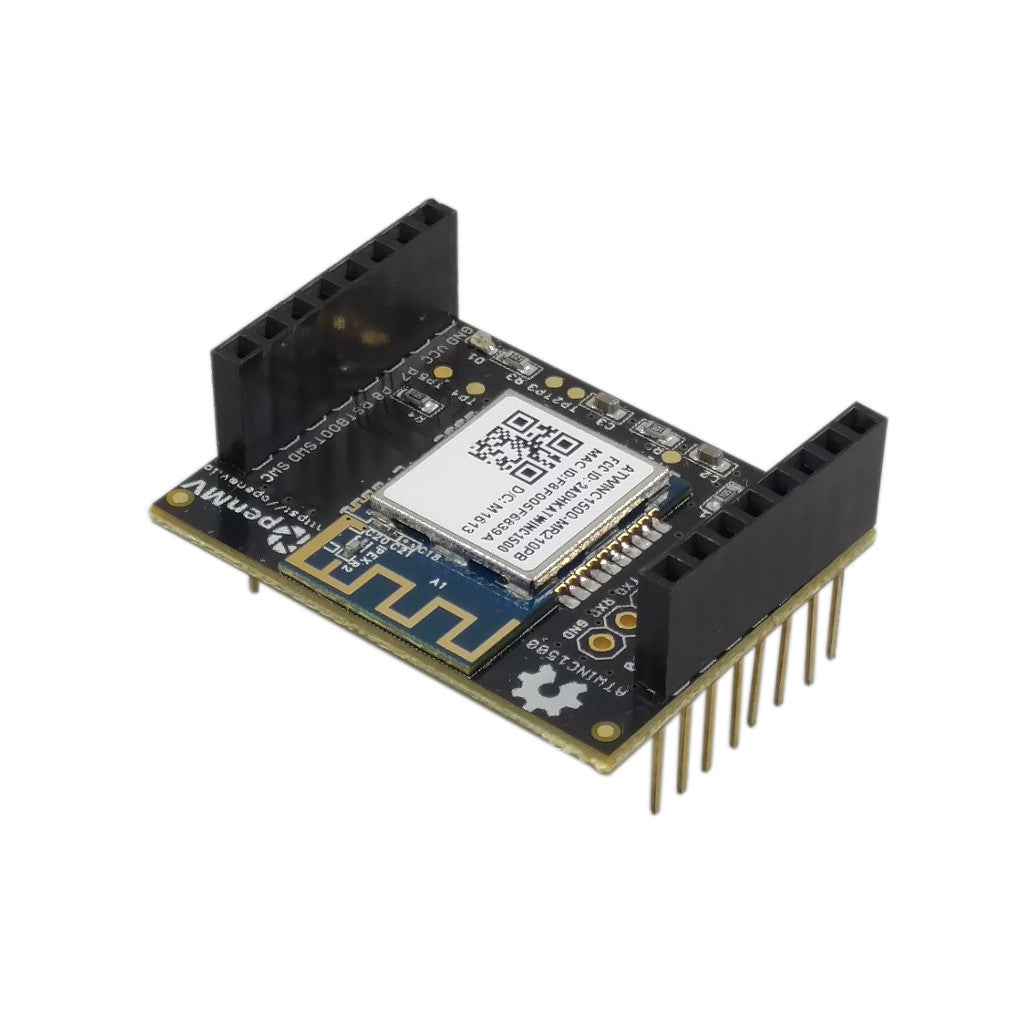
For full datasheet, photos, and ordering see the WiFi Shield product page.
Note
Supported only on the OpenMV Cam, M4, M7, H7, and H7 Plus.
Highlights
2.4 GHz Wi-Fi b/g/n via the Atmel WINC1500 module
TLS 1.2 hardware crypto for HTTPS / MQTTS
Pinout
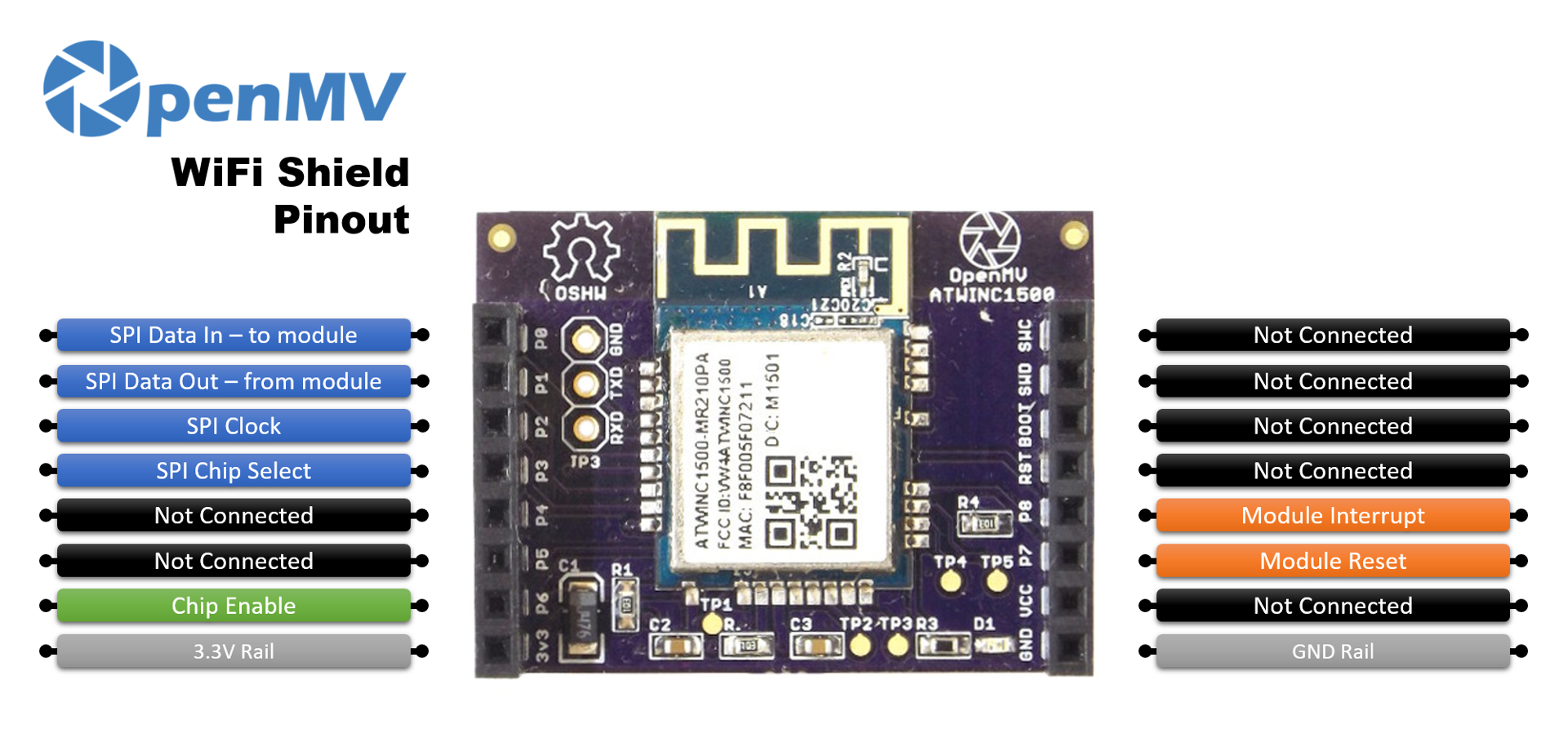
Pin reference
Pin |
Function |
|---|---|
P0 |
SPI MOSI — data to the WINC1500 module |
P1 |
SPI MISO — data from the WINC1500 module |
P2 |
SPI clock |
P3 |
SPI chip select |
P6 |
Chip enable |
P7 |
Module reset |
P8 |
Module interrupt |
3.3V rail |
Powers the WINC1500 module |
GND rail |
Common ground |
Usage
Drive the shield through the network.WINC class. In the default station mode, connect to a Wi-Fi network and print the assigned IP:
import network
import time

SSID = "your-network"
KEY = "your-password"

wlan = network.WINC()  # station mode by default
wlan.connect(SSID, KEY)

while not wlan.isconnected():
    print("connecting...")
    time.sleep_ms(1000)

print("Wi-Fi IP:", wlan.ifconfig()[0])
The shield can also run as a Wi-Fi access point — pass MODE_AP
to the constructor and call start_ap() to bring the AP up:
import network

wlan = network.WINC(network.WINC.MODE_AP)
wlan.start_ap("openmv-cam", security=network.WINC.OPEN)
print("AP IP:", wlan.ifconfig()[0])
Note
The WINC1500’s AP implementation accepts only one client at a
time and supports only OPEN and WEP security modes.
The WINC1500’s own firmware can be inspected and updated from the camera. Print the running firmware version with:
import network

wlan = network.WINC()
print("Firmware version:", wlan.fw_version())
The latest stable image (winc_19_7_6.bin) ships inside the OpenMV
IDE at <openmv-ide-install-dir>/share/qtcreator/firmware/WINC1500/
and is compatible only with the newer ATWINC1500-MR210PB hardware. To
flash it, copy the .bin to the camera’s SD card, eject the card so
the FAT cache is flushed, reset the board, and run:
import network

wlan = network.WINC(mode=network.WINC.MODE_FIRMWARE)
wlan.fw_update("winc_19_7_6.bin")
fw_dump() reads the current image back out to a file the same
way. See the network.WINC class for the full
method list.