
 OpenMV MicroPython
 Machine vision,
made simple.
Live face detection, AprilTag tracking, QR scanning, and YOLO. All on-device in pure MicroPython. No host computer, no cloud.
Open the IDE
Download and install OpenMV IDE for Windows, macOS, or Linux and launch the IDE.
Connect your cam
Plug the OpenMV Cam into your computer via USB. A blue heartbeat LED blinks when it's ready.
Run your first script
Click the socket-icon connect button in the IDE, then hit the green play arrow to run your first script.
Hello world
Examplesimport csi
import time
import ml
from ml.postprocessing.ultralytics import YoloV8
csi0 = csi.CSI()
csi0.reset()
csi0.pixformat(csi.RGB565)
csi0.framesize(csi.VGA)
csi0.snapshot(time=2000) # let AWB/AGC stabilize
# Built-in single-class person detector model.
model = ml.Model("/rom/yolov8n_192.tflite",
postprocess=YoloV8(threshold=0.4))
clock = time.clock()
while True:
clock.tick()
img = csi0.snapshot()
# predict returns a list per class of ((x, y, w, h), score) tuples.
for class_dets in model.predict([img]):
for rect, score in class_dets:
img.draw_rectangle(rect, color=(0, 255, 0))
print(clock.fps(), "fps")
Real-time person tracking
The on-board YOLOv8 model is a single-class person detector — int8 quantised and shipped in ROM.
/rom/yolov8n_192.tflite — no SD card or download needed.import csi
import math
import time
csi0 = csi.CSI()
csi0.reset()
csi0.pixformat(csi.RGB565)
csi0.framesize(csi.QVGA)
csi0.snapshot(time=2000) # let AWB/AGC stabilize
csi0.auto_gain(False)
csi0.auto_whitebal(False)
clock = time.clock()
while True:
clock.tick()
img = csi0.snapshot()
for tag in img.find_apriltags():
img.draw_detection(tag, color1=(255, 0, 0), color2=(0, 255, 0))
deg = math.degrees(tag.rotation)
print("ID %d rotation %.1f deg" % (tag.id, deg))
print(clock.fps(), "fps")
Locate and identify AprilTags
AprilTags are 2D fiducial markers — robust to motion blur and partial occlusion, and they give you full 3D pose.
x/y/z translation and x/y/z rotation.import csi
import time
import ml
from ml.postprocessing.mediapipe import BlazeFace
csi0 = csi.CSI()
csi0.reset()
csi0.pixformat(csi.RGB565)
csi0.framesize(csi.VGA)
csi0.window((400, 400)) # square window for best results
csi0.snapshot(time=2000) # let AWB/AGC stabilize
model = ml.Model("/rom/blazeface_front_128.tflite",
postprocess=BlazeFace(threshold=0.4))
clock = time.clock()
while True:
clock.tick()
img = csi0.snapshot()
for rect, score, keypoints in model.predict([img]):
img.draw_rectangle(rect, color=(0, 0, 255))
ml.utils.draw_keypoints(img, keypoints, color=(255, 0, 0))
print(clock.fps(), "fps")
Detect faces with BlazeFace
Google's BlazeFace is a lightweight TensorFlow Lite face detector that returns bounding boxes plus six landmarks per face.
/rom/blazeface_front_128.tflite — pre-quantised, no download needed.import csi
import time
csi0 = csi.CSI()
csi0.reset()
csi0.pixformat(csi.RGB565)
csi0.framesize(csi.QVGA)
csi0.snapshot(time=2000) # let AWB/AGC stabilize
csi0.auto_gain(False)
clock = time.clock()
while True:
clock.tick()
img = csi0.snapshot()
for code in img.find_qrcodes():
img.draw_rectangle(code.rect, color=(255, 0, 0))
print(code.payload)
print(clock.fps(), "fps")
Scan QR codes from a live feed
The built-in QR decoder handles tilted, distorted, and partially occluded codes.
import csi
import time

csi0 = csi.CSI()
csi0.reset()
csi0.pixformat(csi.RGB565)
csi0.framesize(csi.QVGA)
csi0.snapshot(time=2000)  # let AWB/AGC stabilize
csi0.auto_gain(False)
csi0.auto_whitebal(False)

# LAB thresholds: (L_min, L_max, A_min, A_max, B_min, B_max)
thresholds = [
    (30, 100, 15, 127, 15, 127),   # red
    (30, 100, -64, -8, -32, 32),   # green
]

clock = time.clock()

while True:
    clock.tick()
    img = csi0.snapshot()
    for blob in img.find_blobs(thresholds, pixels_threshold=200):
        img.draw_rectangle(blob.rect, color=(255, 0, 0))
        img.draw_cross((blob.cx, blob.cy))
    print(clock.fps(), "fps")
Find blobs of color
find_blobs returns connected pixel regions matching one or more LAB thresholds.
pixels_threshold filters tiny detections; merge=True joins overlapping blobs.import csi
import time
csi0 = csi.CSI()
csi0.reset()
csi0.pixformat(csi.GRAYSCALE)
csi0.framesize(csi.VGA)
csi0.window((640, 80)) # narrow strip for fast linear scanning
csi0.snapshot(time=2000) # let AWB/AGC stabilize
csi0.auto_gain(False)
csi0.auto_whitebal(False)
clock = time.clock()
while True:
clock.tick()
img = csi0.snapshot()
for code in img.find_barcodes():
img.draw_rectangle(code.rect, color=(0, 255, 0))
print(code.payload, "(quality %d)" % code.quality)
print(clock.fps(), "fps")
Read 1D barcodes
Find 1D barcodes anywhere in the frame and decode their payloads.
import csi
import time
import ml
from ml.postprocessing.mediapipe import HandLandmarks

csi0 = csi.CSI()
csi0.reset()
csi0.pixformat(csi.RGB565)
csi0.framesize(csi.VGA)
csi0.window((400, 400))  # square window for the model
csi0.snapshot(time=2000)  # let AWB/AGC stabilize

# Connections between the 21 keypoints — palm + 5 fingers.
hand_lines = ((0, 1), (1, 2), (2, 3), (3, 4), (0, 5), (5, 6),
              (6, 7), (7, 8), (5, 9), (9, 10), (10, 11), (11, 12),
              (9, 13), (13, 14), (14, 15), (15, 16), (13, 17), (17, 18),
              (18, 19), (19, 20), (0, 17))

model = ml.Model("/rom/hand_landmarks_full_224.tflite",
                 postprocess=HandLandmarks(threshold=0.4))
clock = time.clock()

while True:
    clock.tick()
    img = csi0.snapshot()
    # predict returns a list per hand: index 0 = left, index 1 = right.
    for detections in model.predict([img]):
        for rect, score, keypoints in detections:
            ml.utils.draw_skeleton(img, keypoints, hand_lines,
                                   kp_color=(255, 0, 0),
                                   line_color=(0, 255, 0))
    print(clock.fps(), "fps")
Track 21 hand keypoints
Google's MediaPipe Hand Landmarks model places 21 joints on each detected hand — wrist, knuckles, and fingertips.
/rom/hand_landmarks_full_224.tflite — running standalone here, without palm detection upstream.ml.utils.draw_skeleton draws all 21 joints and connections in one call.New to OpenMV?
Start with the step-by-step tutorial — it covers hardware setup, the IDE, basic scripts, and tips for your first real project.
Core libraries
APIHardware, cameras, image processing, ndarrays, ML, multitasking, networking, web servers, and Bluetooth — all from MicroPython.
machine
Low-level hardware: GPIO, SPI, I²C, UART, PWM, ADC, and timers.
Explore →csi
Camera control: pixel formats, frame sizes, exposure, gain, and white balance.
Explore →image
Machine vision: blobs, edges, lines, circles, features, and drawing.
Explore →ulab
On-device numerical computing — ndarrays, FFTs, and linear algebra.
Explore →ml
On-device neural network inference — classify, detect, and segment.
Explore →asyncio
Cooperative multitasking — run camera, network, and I/O in parallel.
Explore →network
Wi-Fi, Ethernet, and sockets for IoT and remote communication.
Explore →microdot
Minimal HTTP server — routes, sessions, login, SSE, and WebSockets.
Explore →aioble
Async Bluetooth Low Energy — peripherals, advertising, and GATT.
Explore →Explore by board
HardwareSelect your OpenMV Cam to see its pinout, specs, and board-specific quick reference.
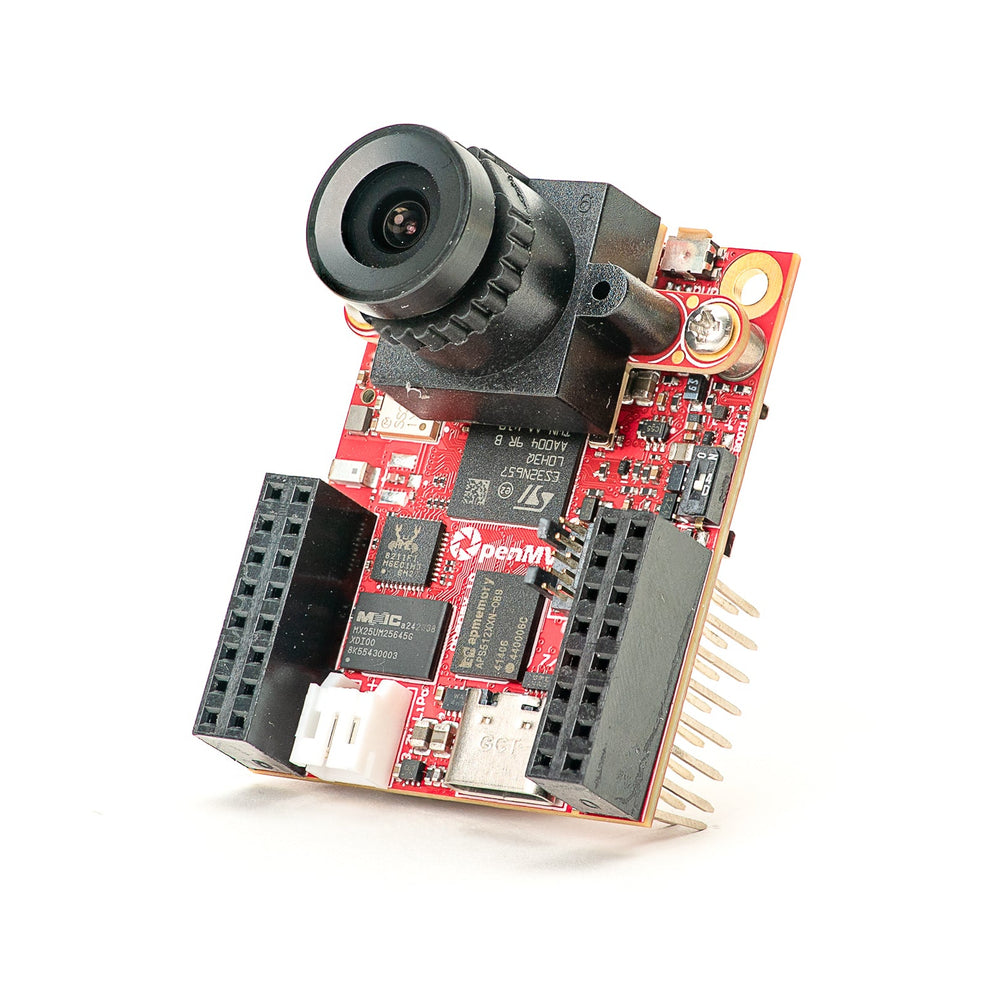
OpenMV N6 New
STM32N6 with built-in NPU — STMicro's first AI-accelerated MCU.
Explore →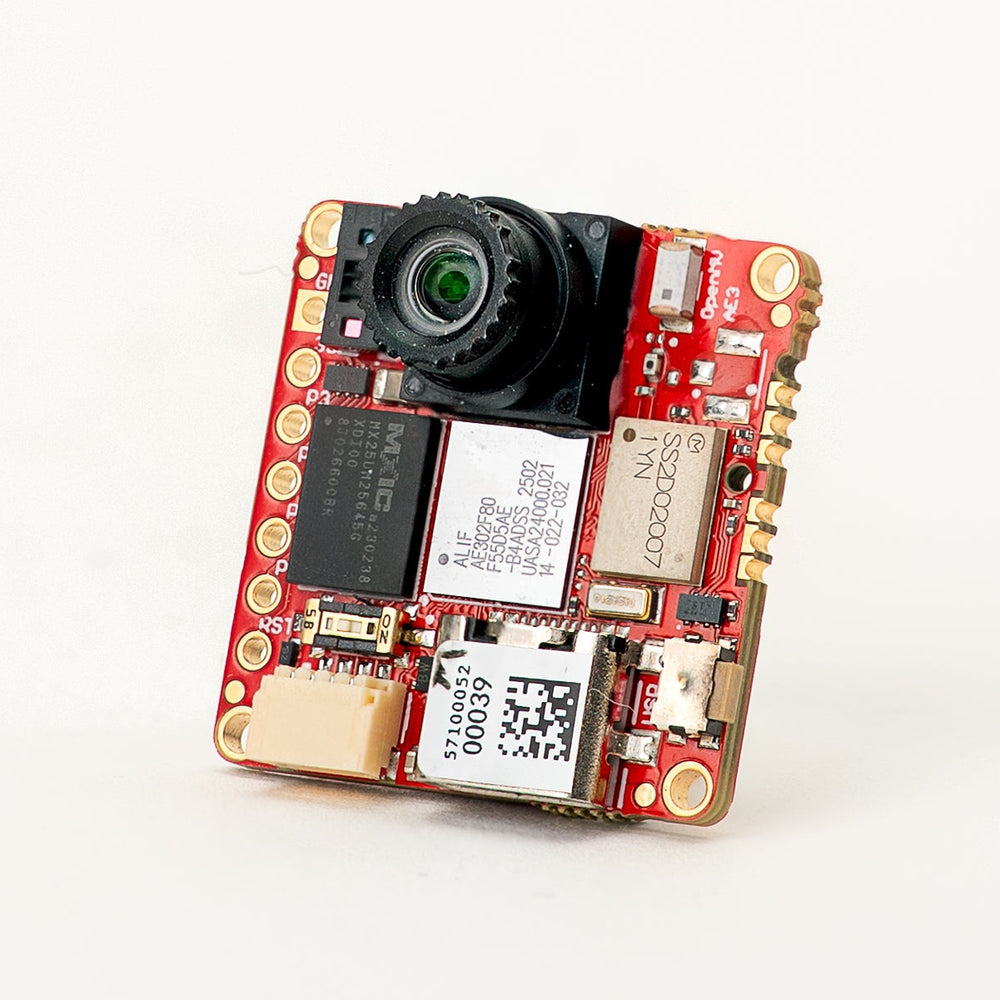
OpenMV AE3 New
Alif Ensemble E3 — fusion-class Cortex-M55 with Ethos-U55 NPU.
Explore →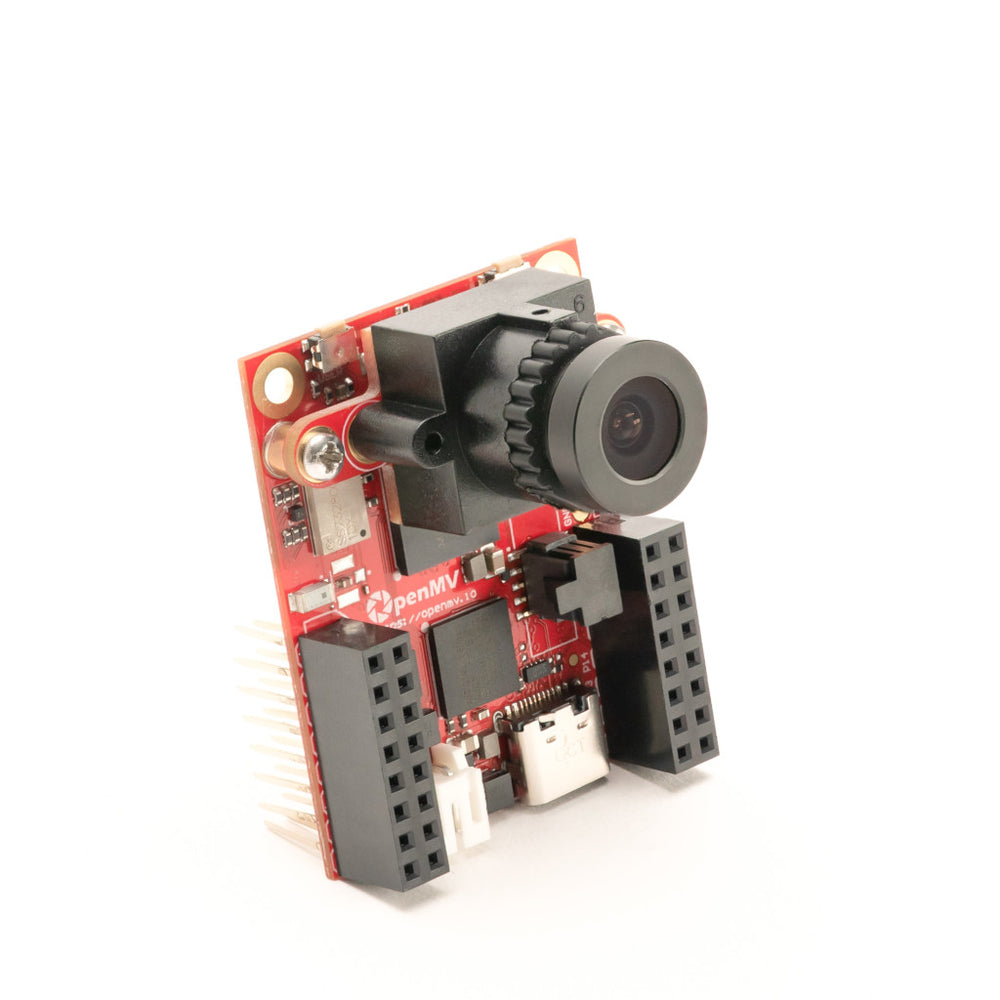
OpenMV RT1062
NXP i.MX RT1062 Cortex-M7 at 600 MHz with 32 MB external SDRAM.
Explore →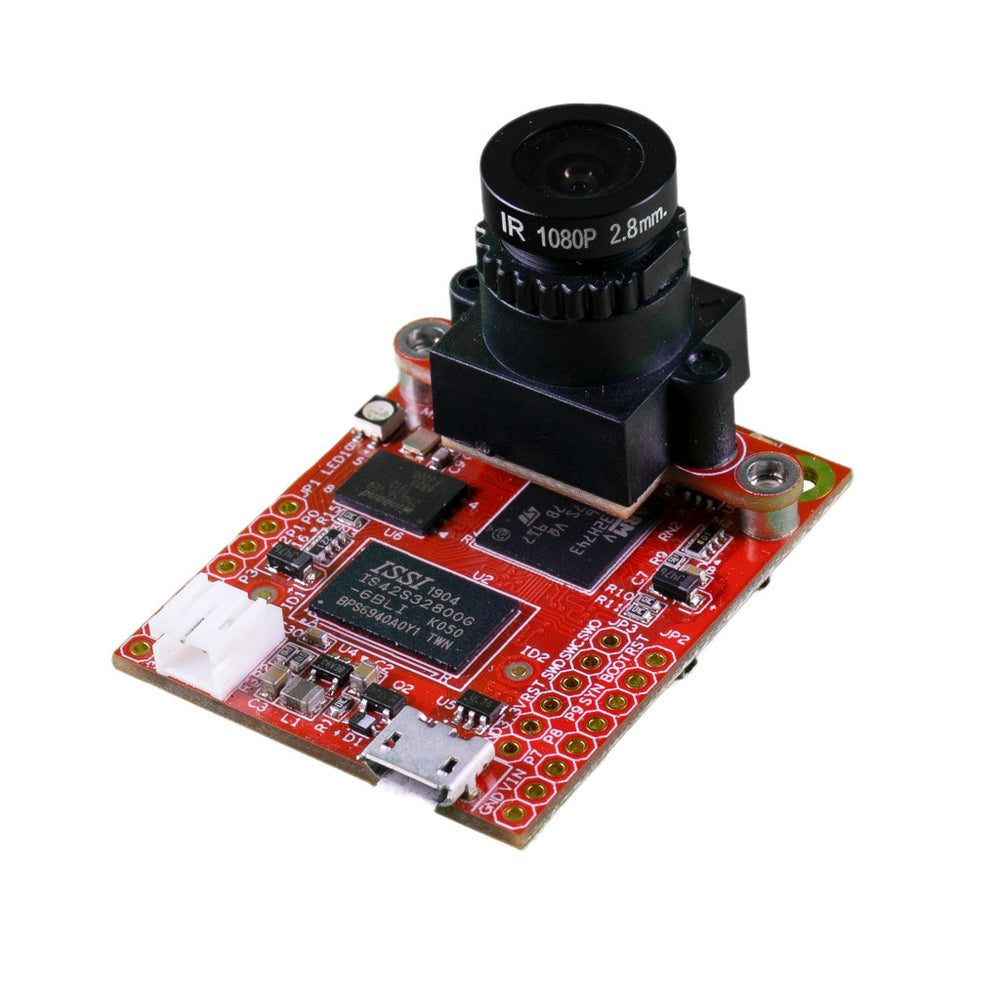
OpenMV H7 Plus
STM32H743 with 32 MB external SDRAM and a 5MP OV5640 sensor.
Explore →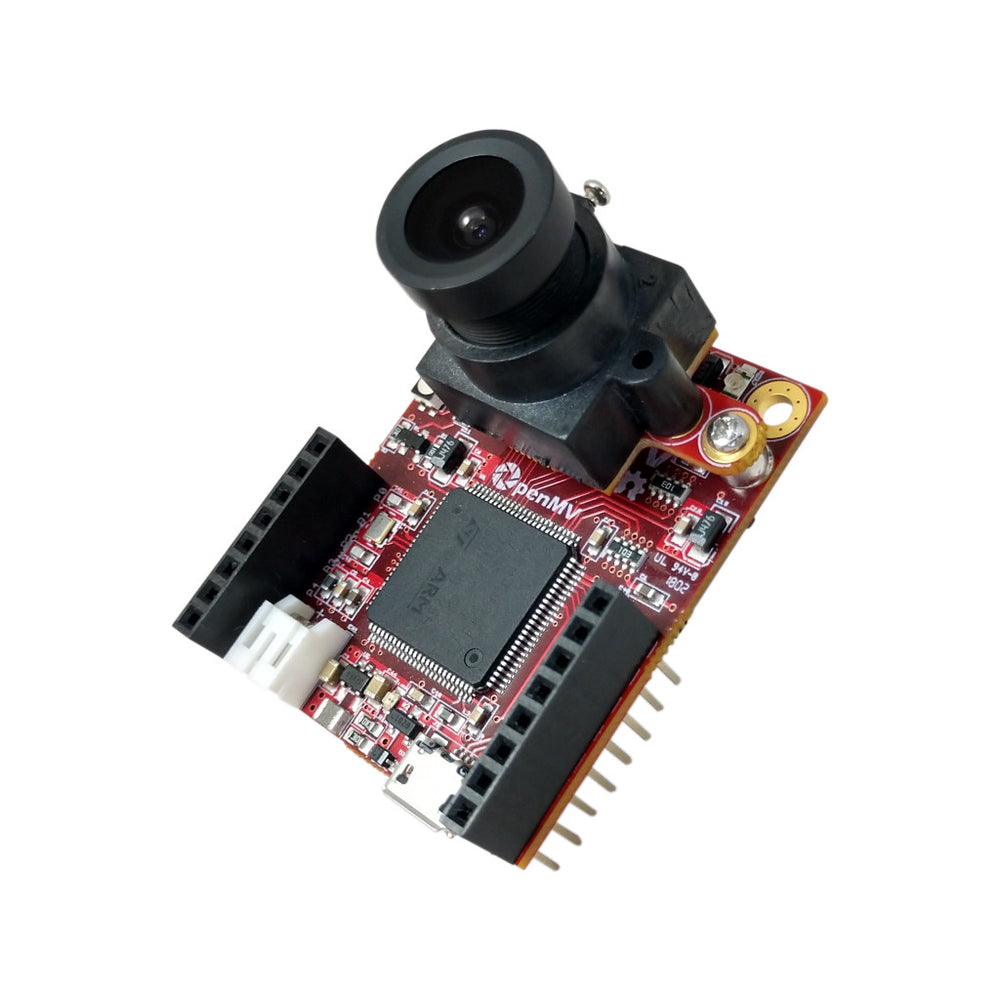
OpenMV H7
STM32H743 Cortex-M7 with a removable image sensor module.
Explore →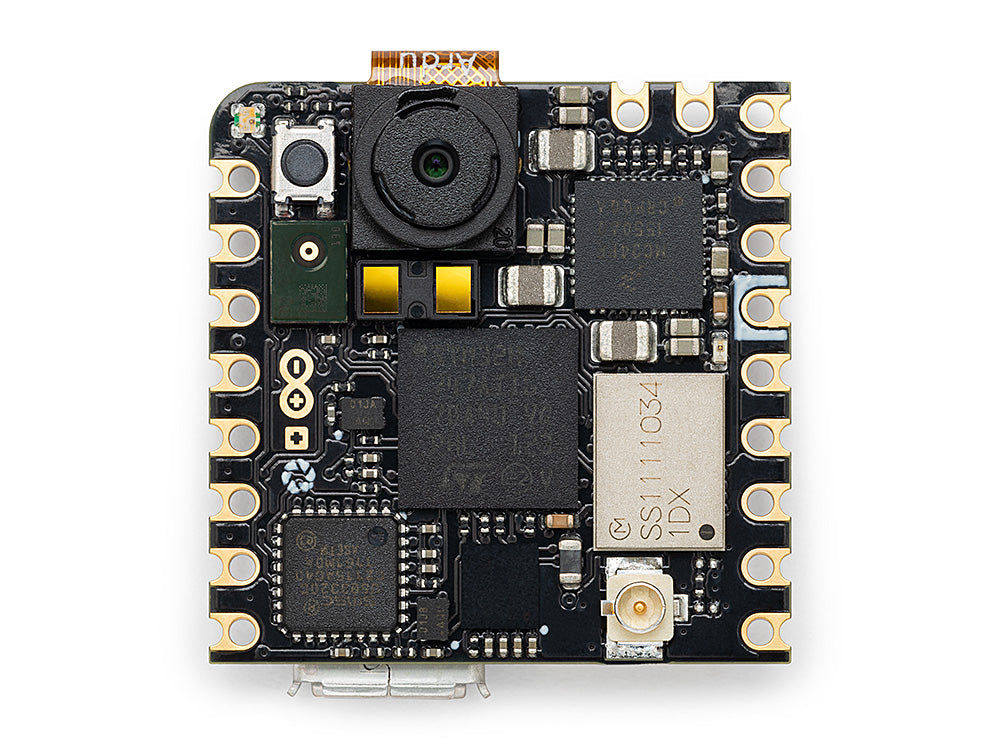
Arduino Nicla Vision
Compact 23 × 23 mm STM32H747 board with on-board sensor.
Explore →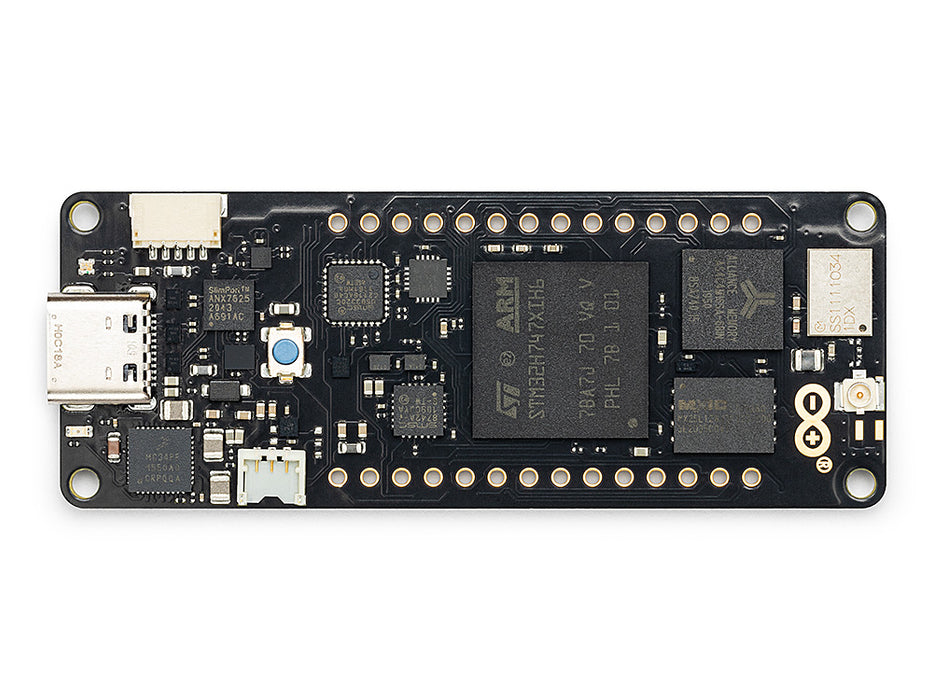
Arduino Portenta
STM32H747 with 8 MB SDRAM and Vision Shield support.
Explore →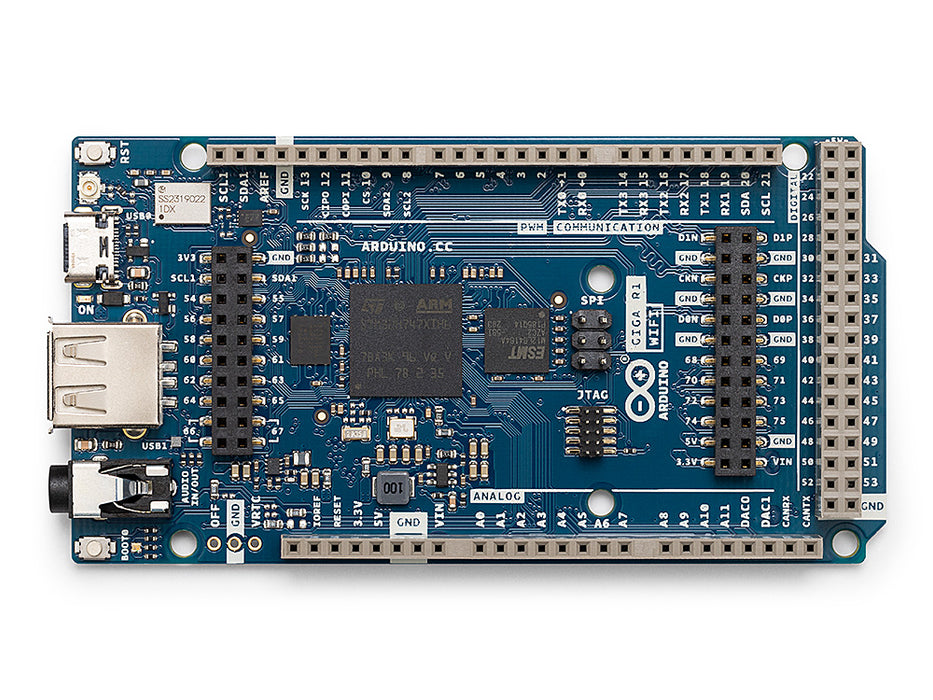
Arduino Giga
STM32H747 with 8 MB SDRAM, Vision and Display Shield support.
Explore →Shields
Add-onsAdd-on boards that plug into the OpenMV Cam — networking, motor control, displays, and more.
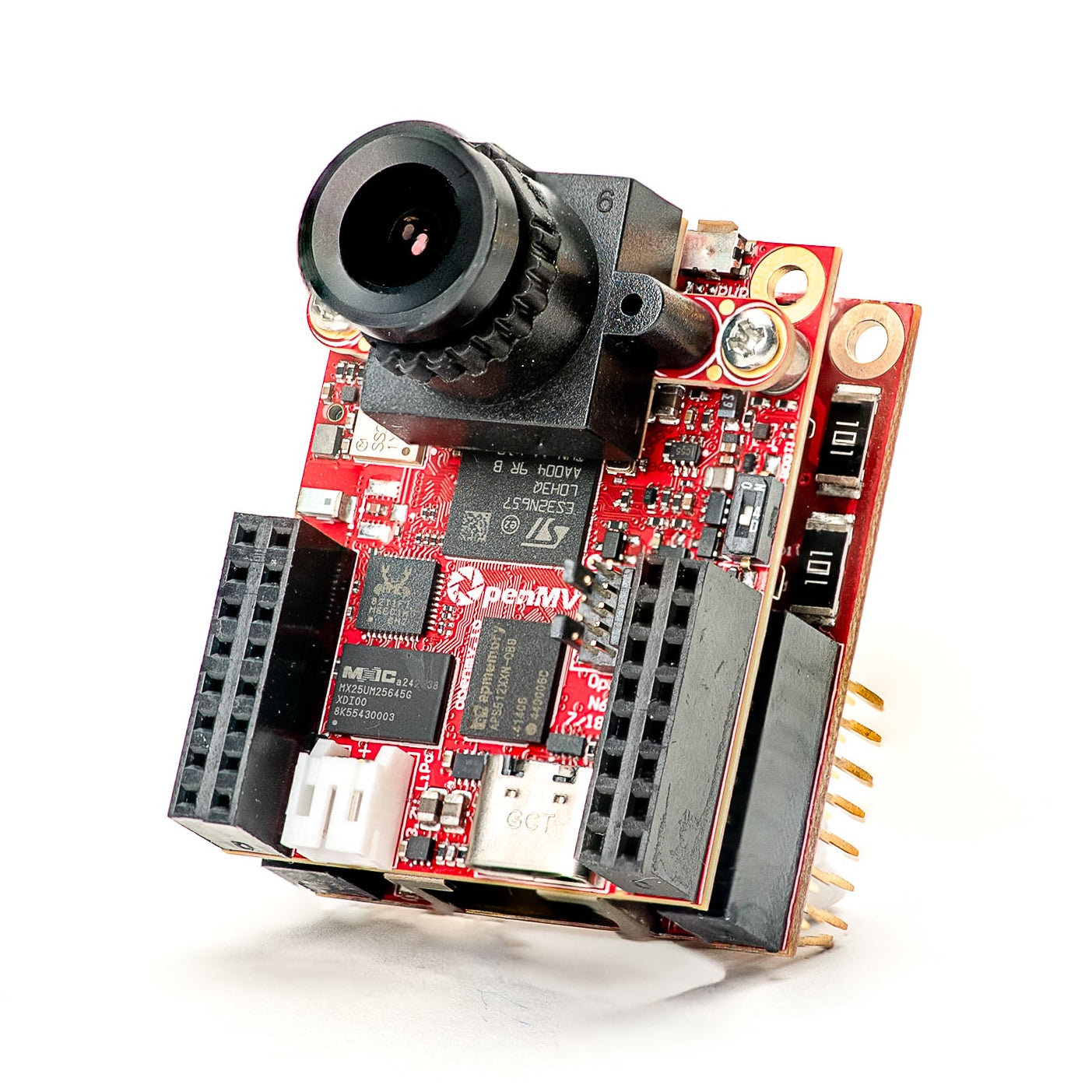
Gigabit PoE Shield
Gigabit Ethernet with PoE for higher-bandwidth streaming.
Explore →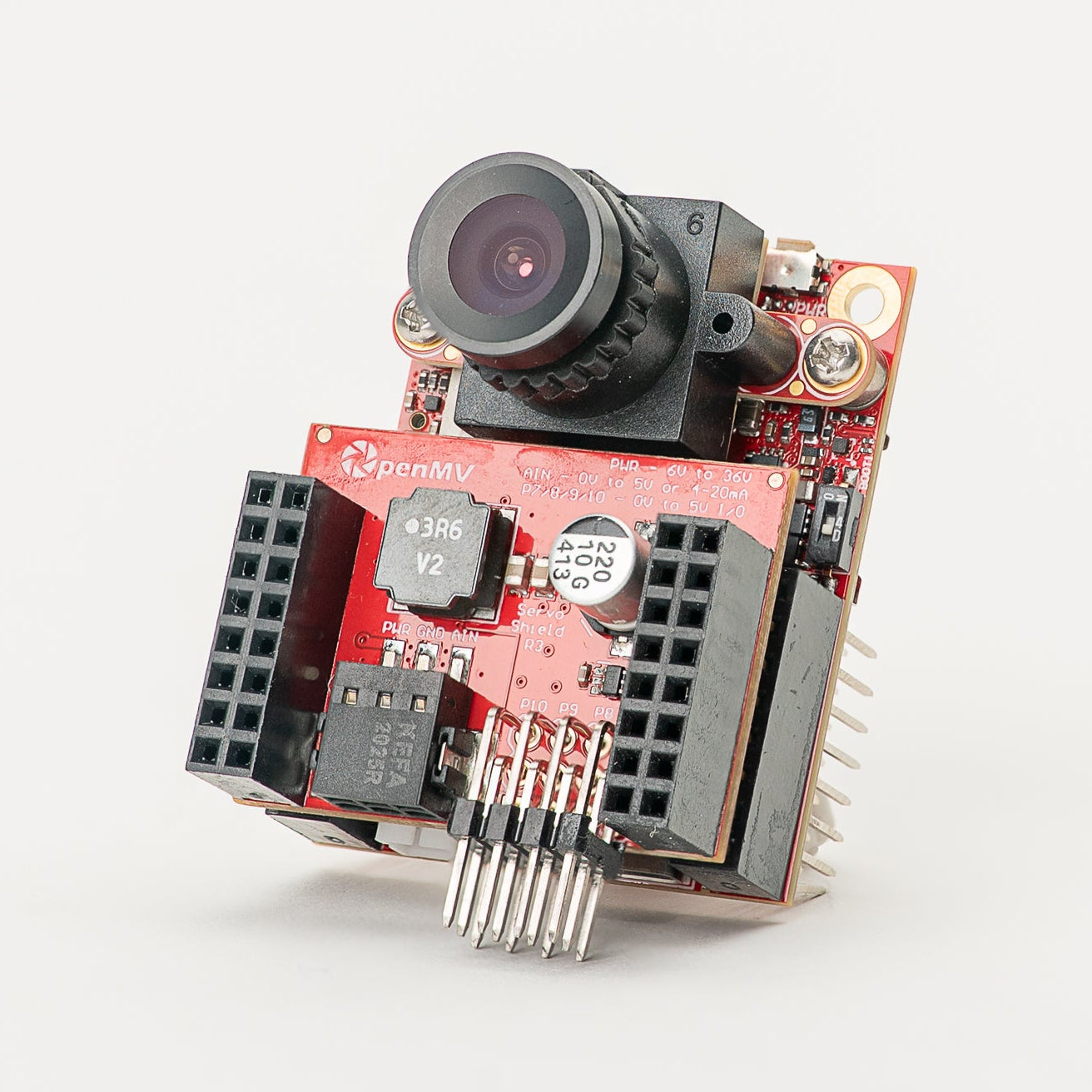
Servo Shield
Drive up to 4 servos drawing up to 5A while powering the camera, 6–36V input.
Explore →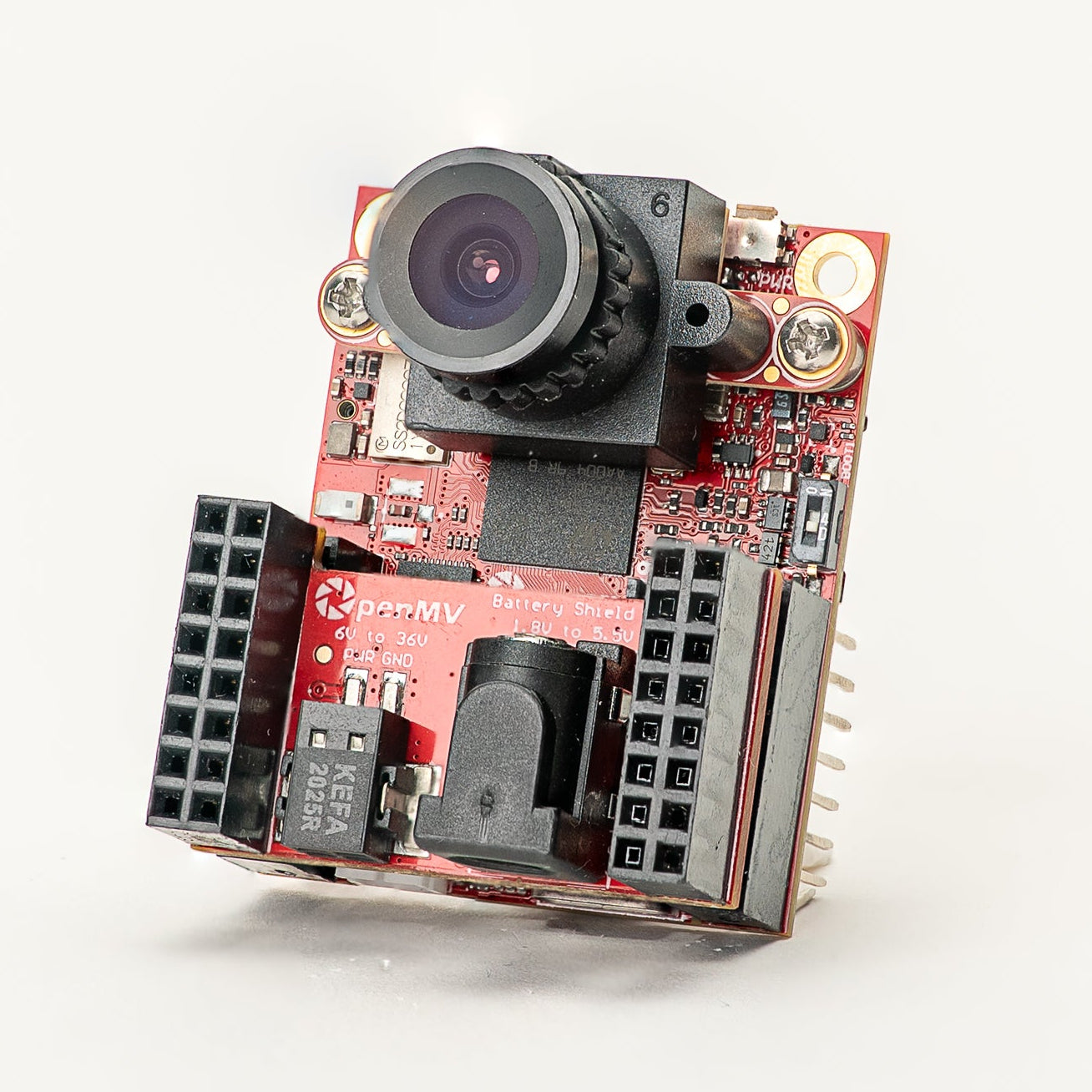
Battery Shield
1.8–5.5V battery input via a DC barrel jack.
Explore →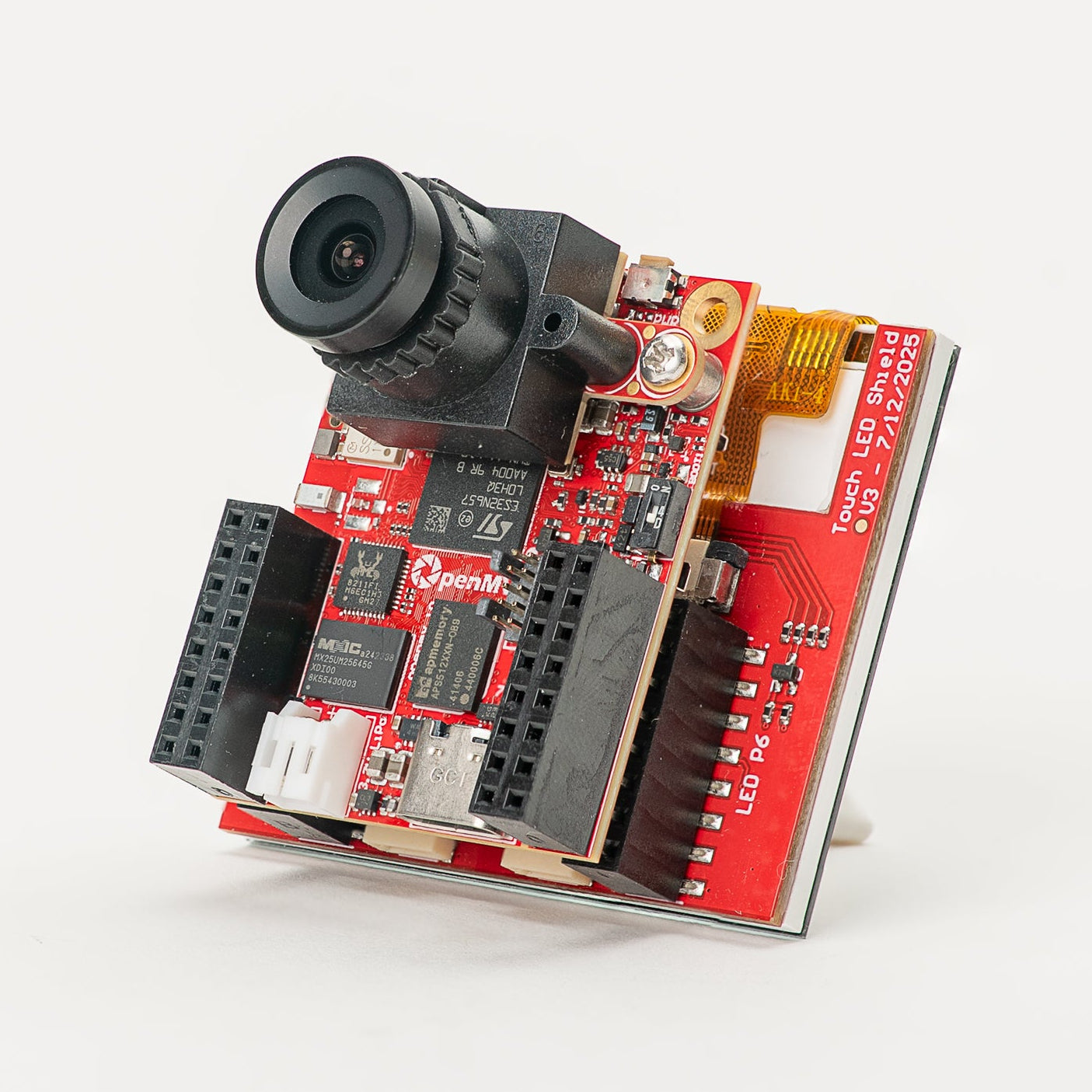
Touch LCD Shield
2.3" SPI LCD with capacitive multi-touch and Qwiic.
Explore →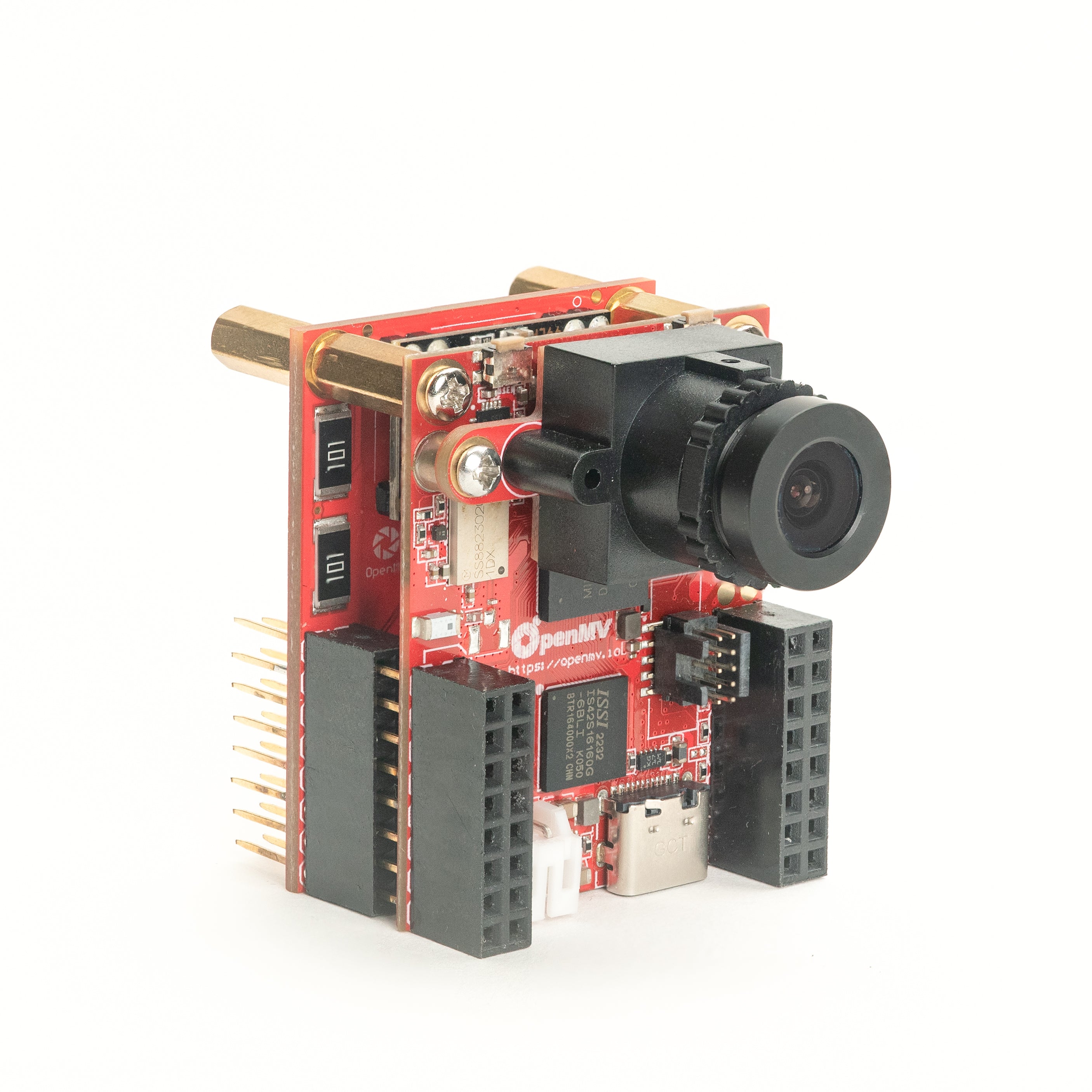
PoE Shield
10/100 Ethernet with Power-over-Ethernet.
Explore →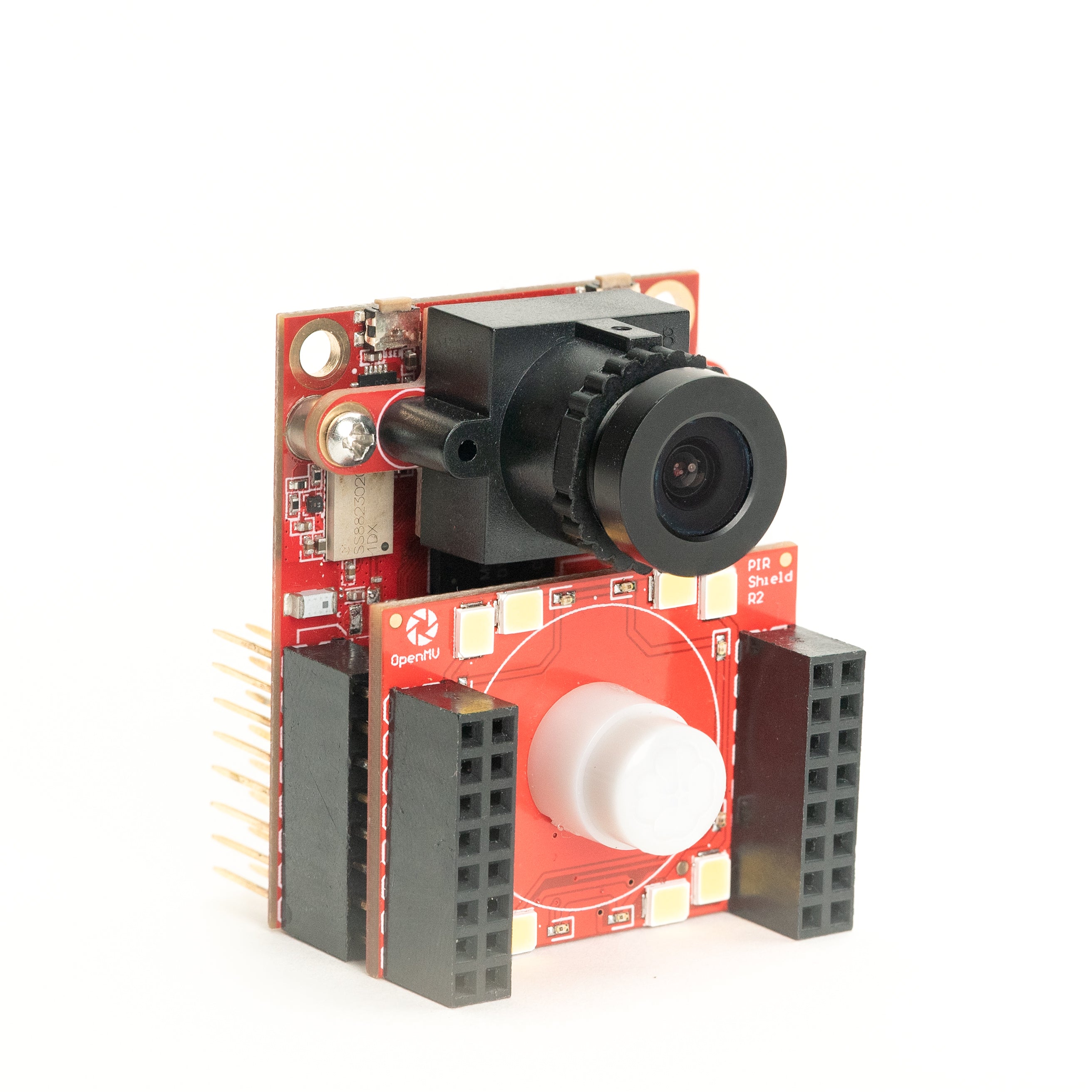
PIR Shield
6µA standby motion trigger plus white and 850 nm IR.
Explore →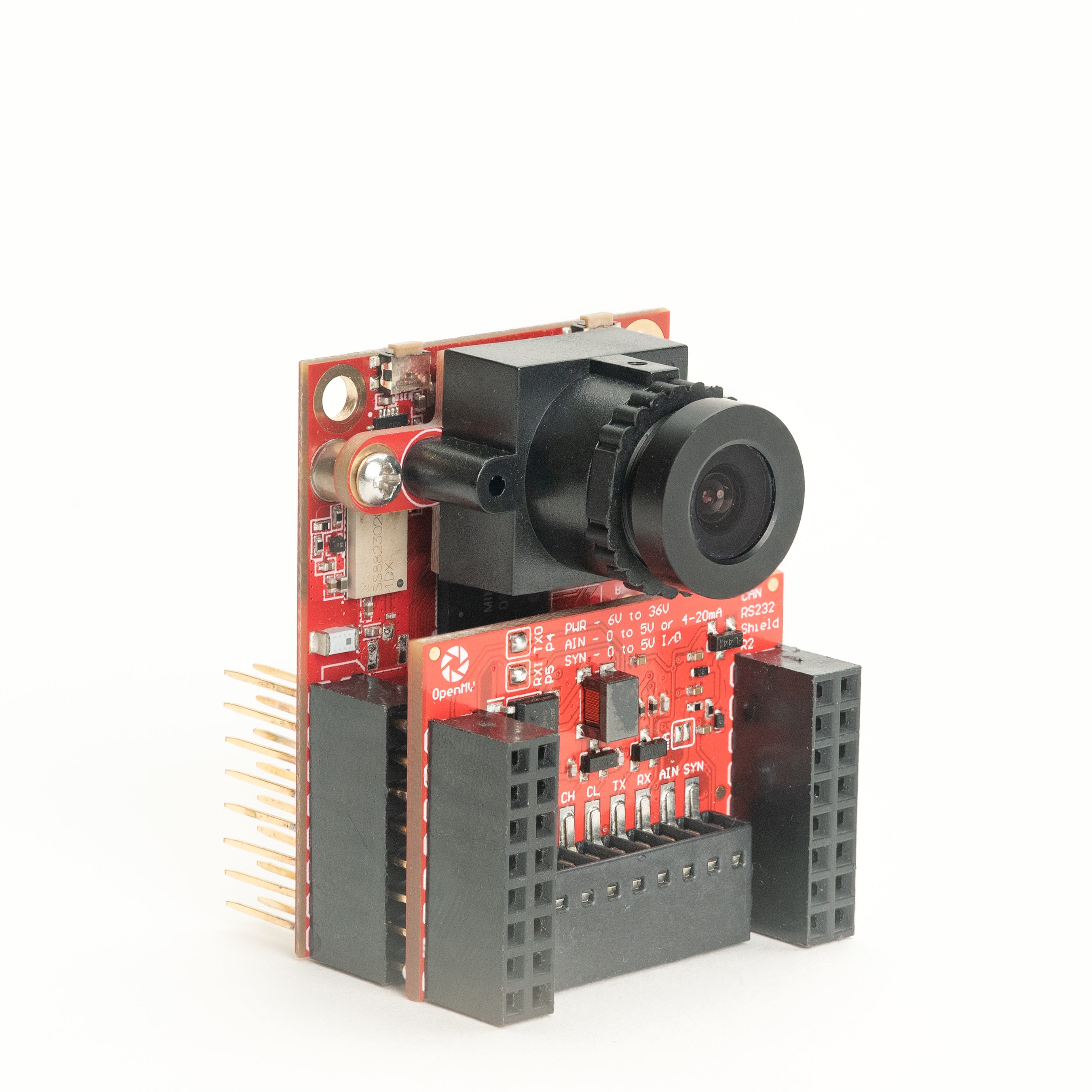
CAN/RS232 Shield
8 Mb/s CAN-FD plus 1 Mb/s RS-232 in one shield.
Explore →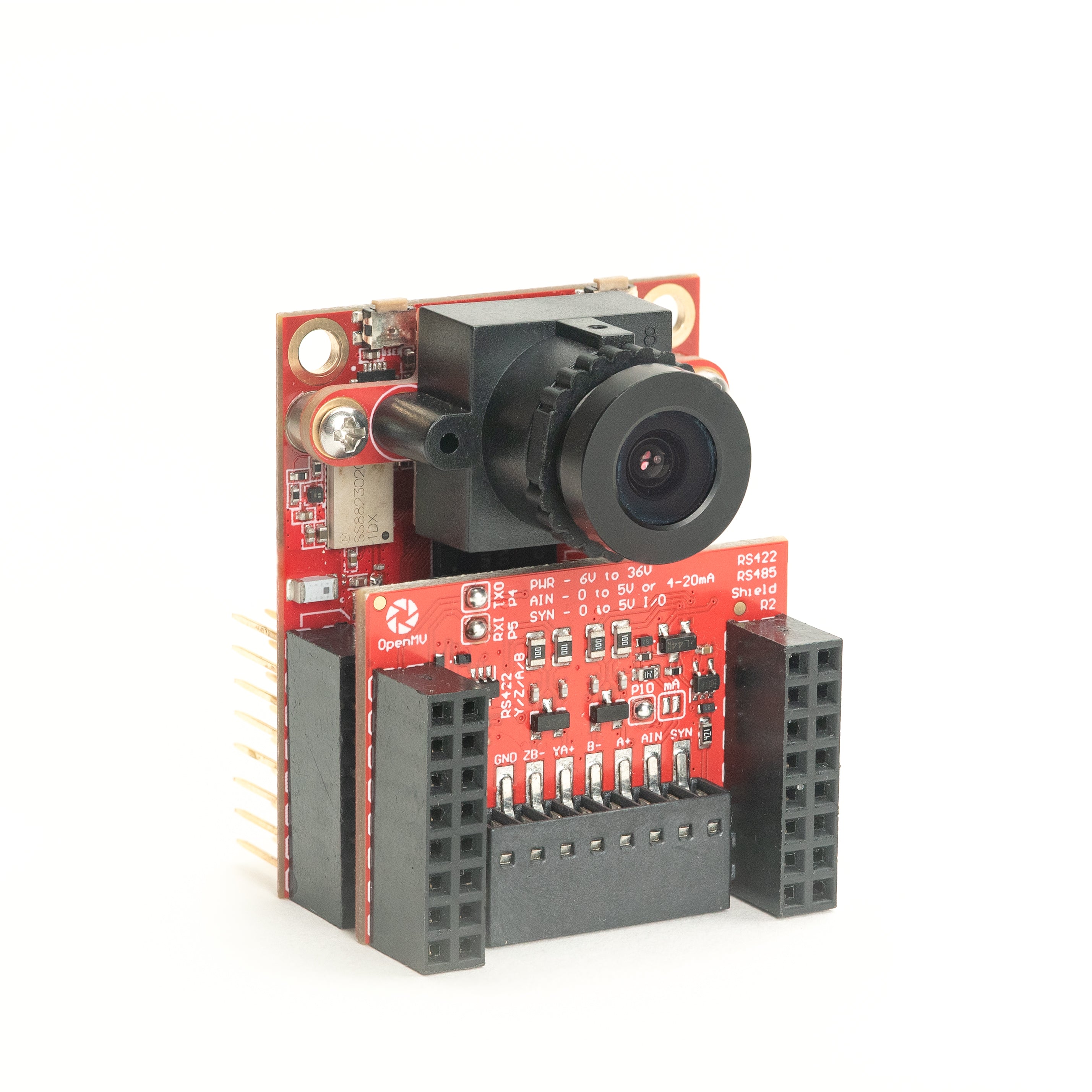
RS422/RS485 Shield
10 Mb/s differential serial for industrial buses.
Explore →Sensors
Camera modulesCamera modules and sensor adapters that plug into the board-to-board connector — colour, monochrome, thermal, and event-based vision.
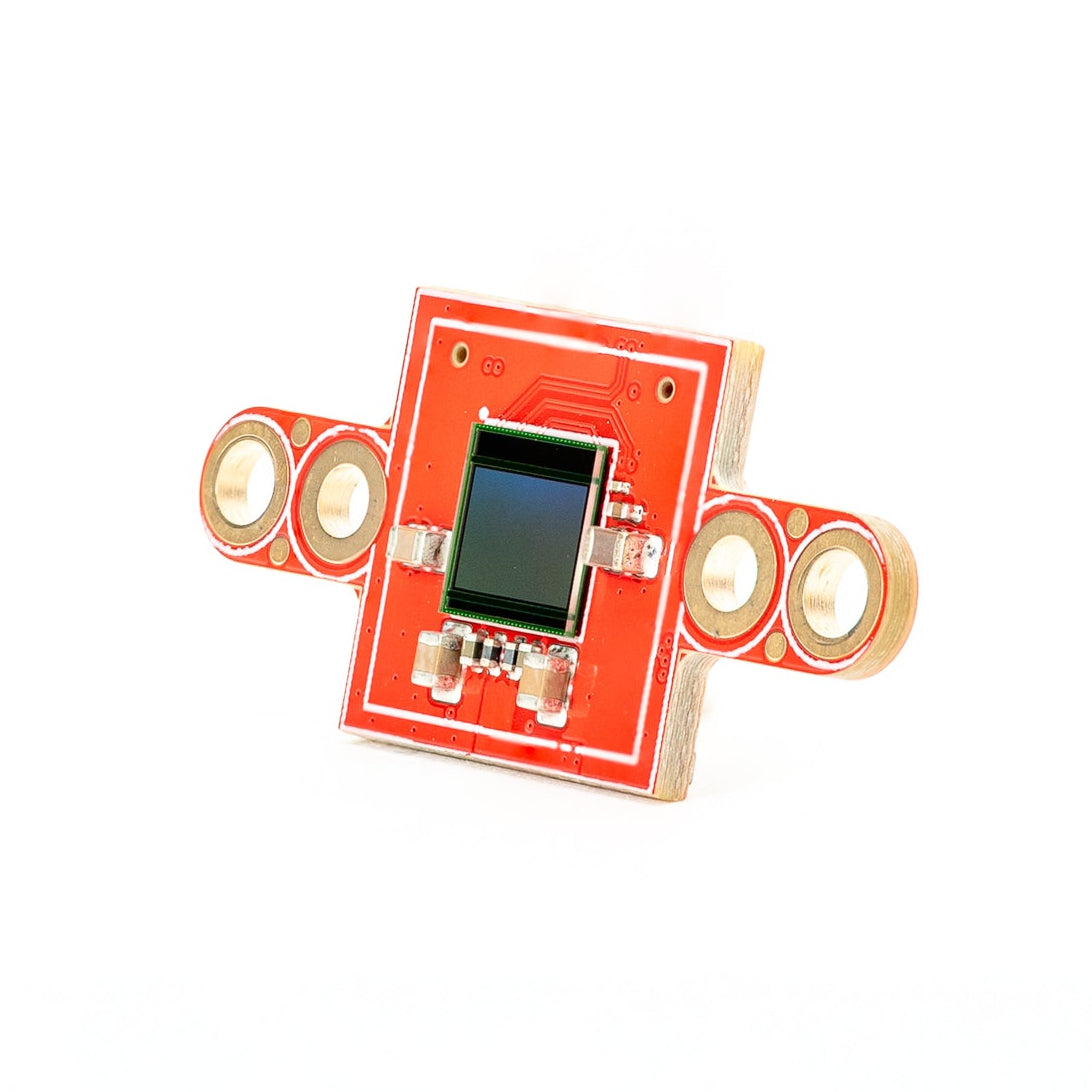
PS5520 5MP HDR Camera
5MP HDR sensor — high dynamic range for tough lighting.
Explore →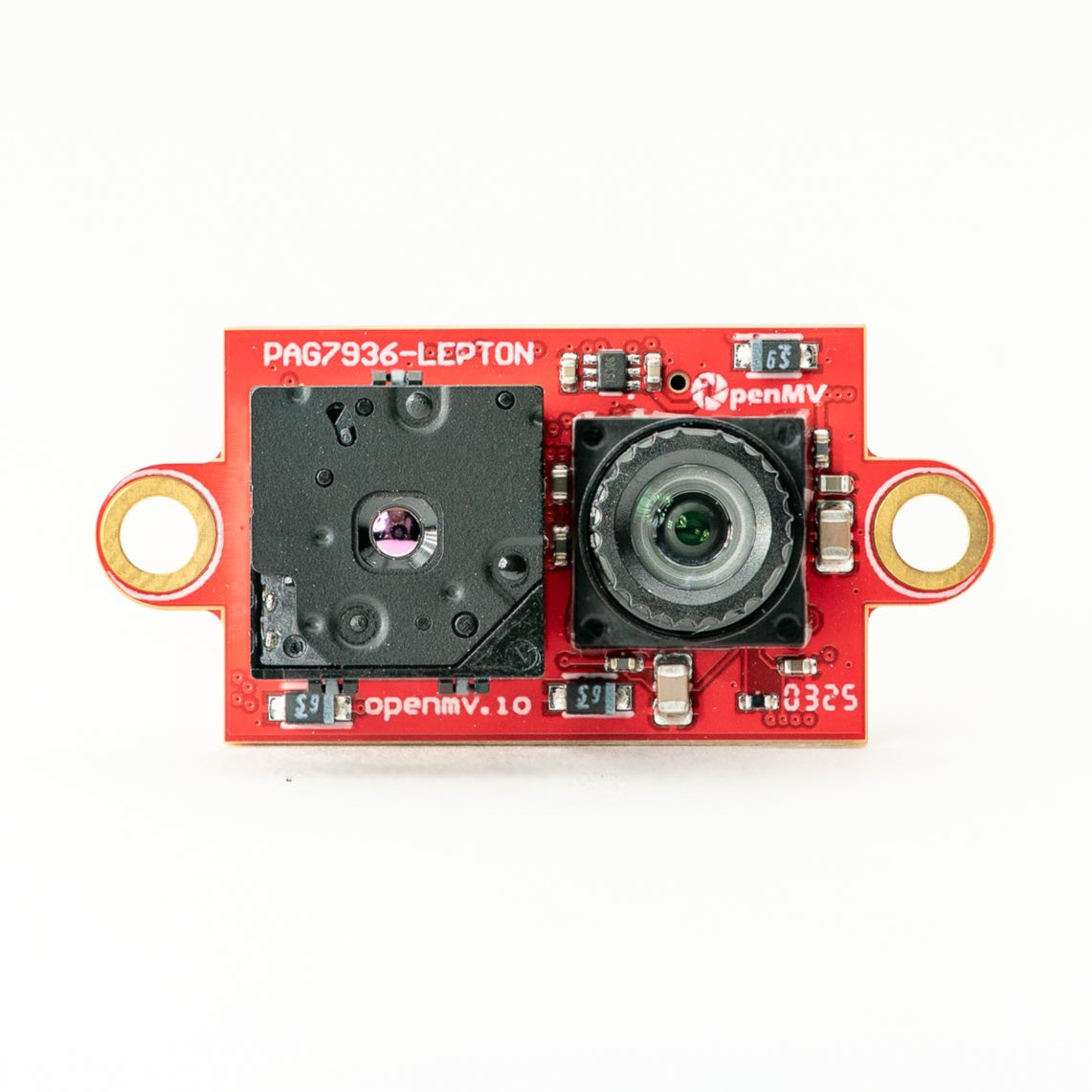
Multispectral Thermal (PAG7936)
1-MP global-shutter colour + FLIR Lepton thermal on one module.
Explore →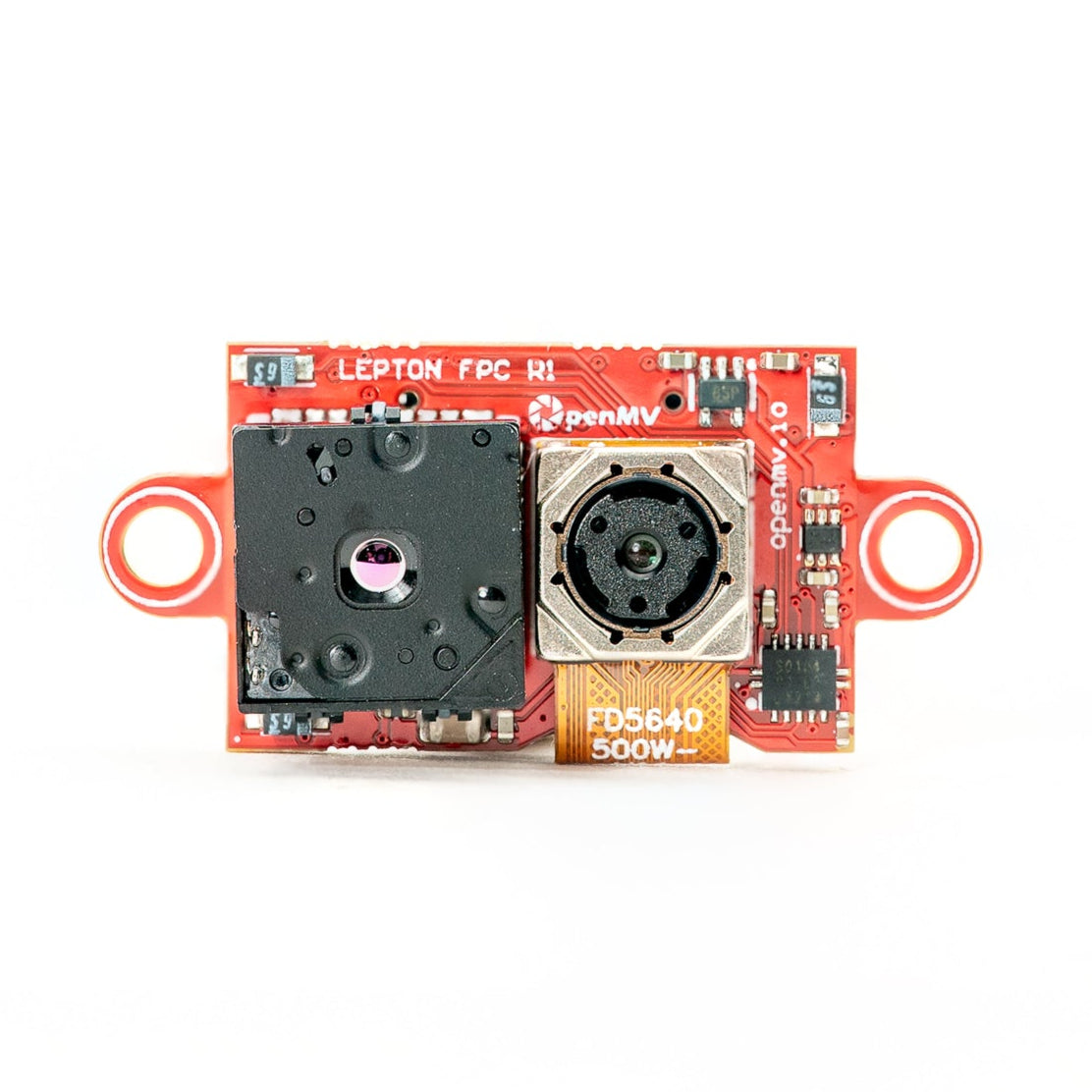
Multispectral Thermal (OV5640)
5MP rolling-shutter colour + FLIR Lepton thermal on one module.
Explore →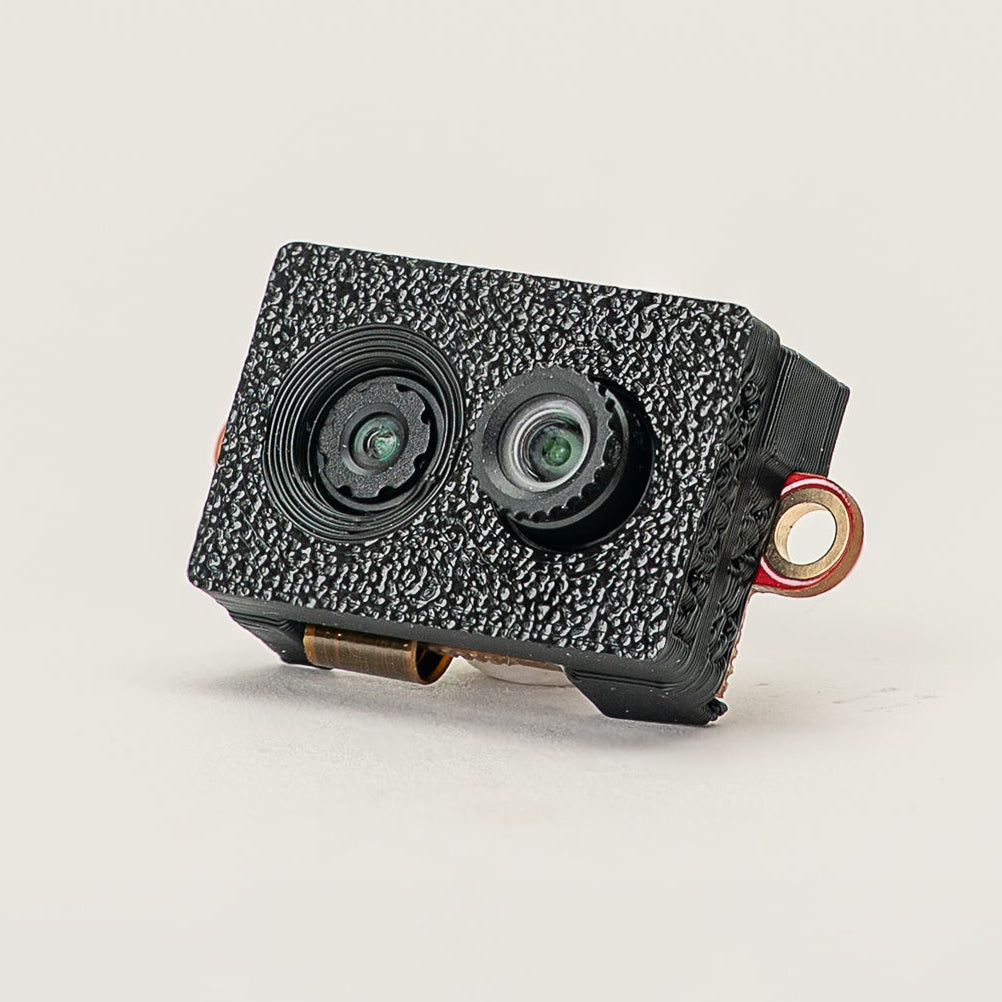
Multispectral Event Camera
GENX320 event sensor + PAG7936 colour on one module.
Explore →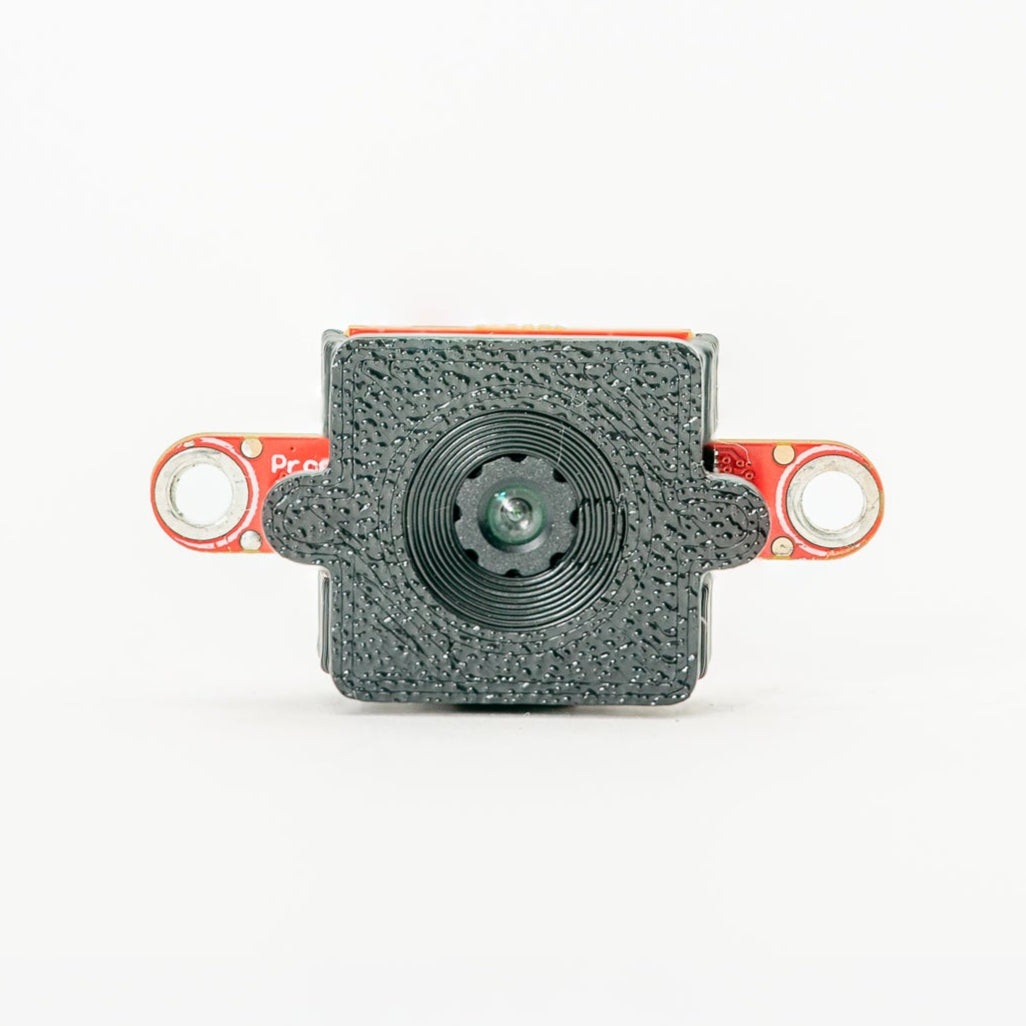
GENX320 Event Camera
Prophesee event-based vision — microsecond temporal precision.
Explore →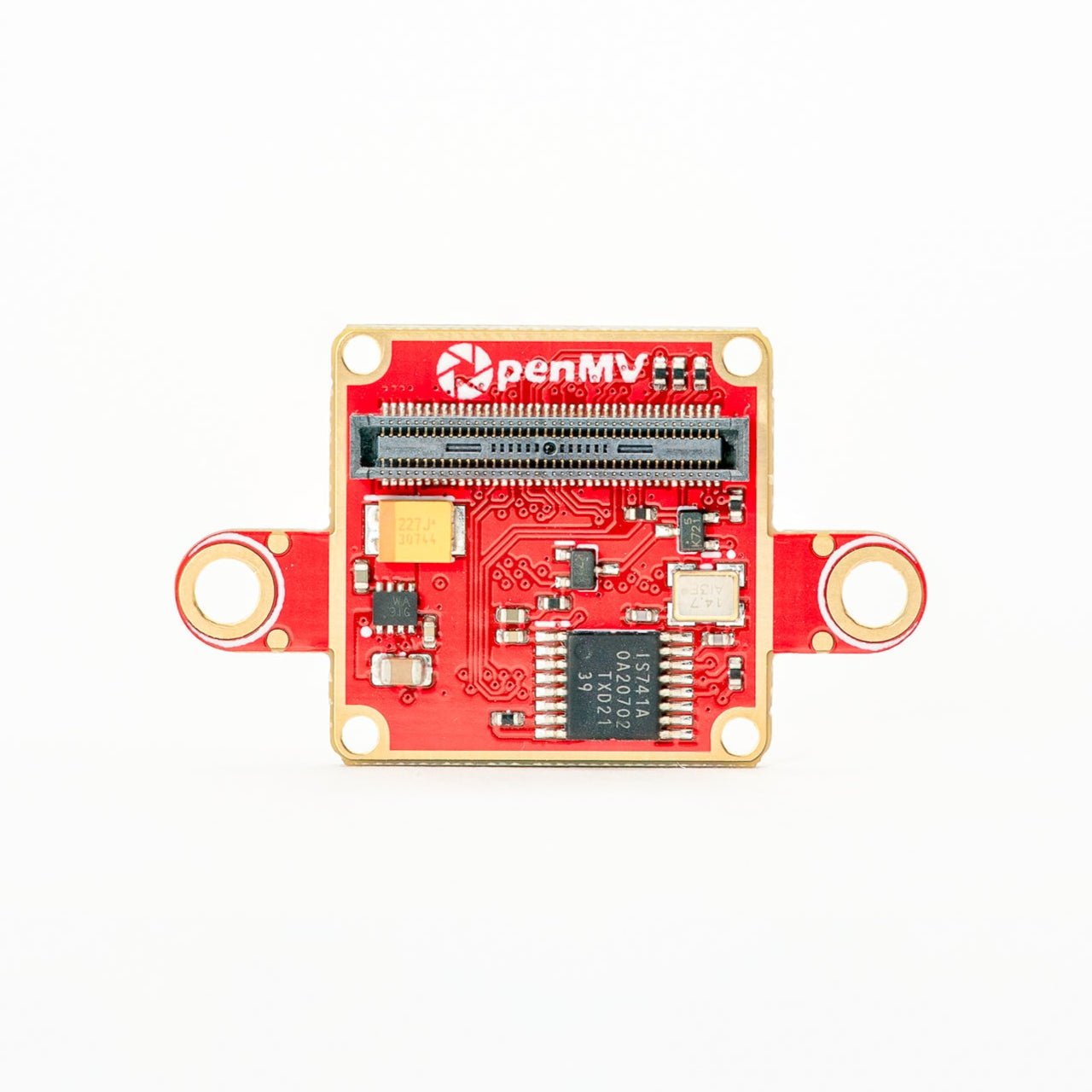
FLIR Boson Adapter
Adapter for FLIR Boson / Boson+ — higher-resolution thermal.
Explore →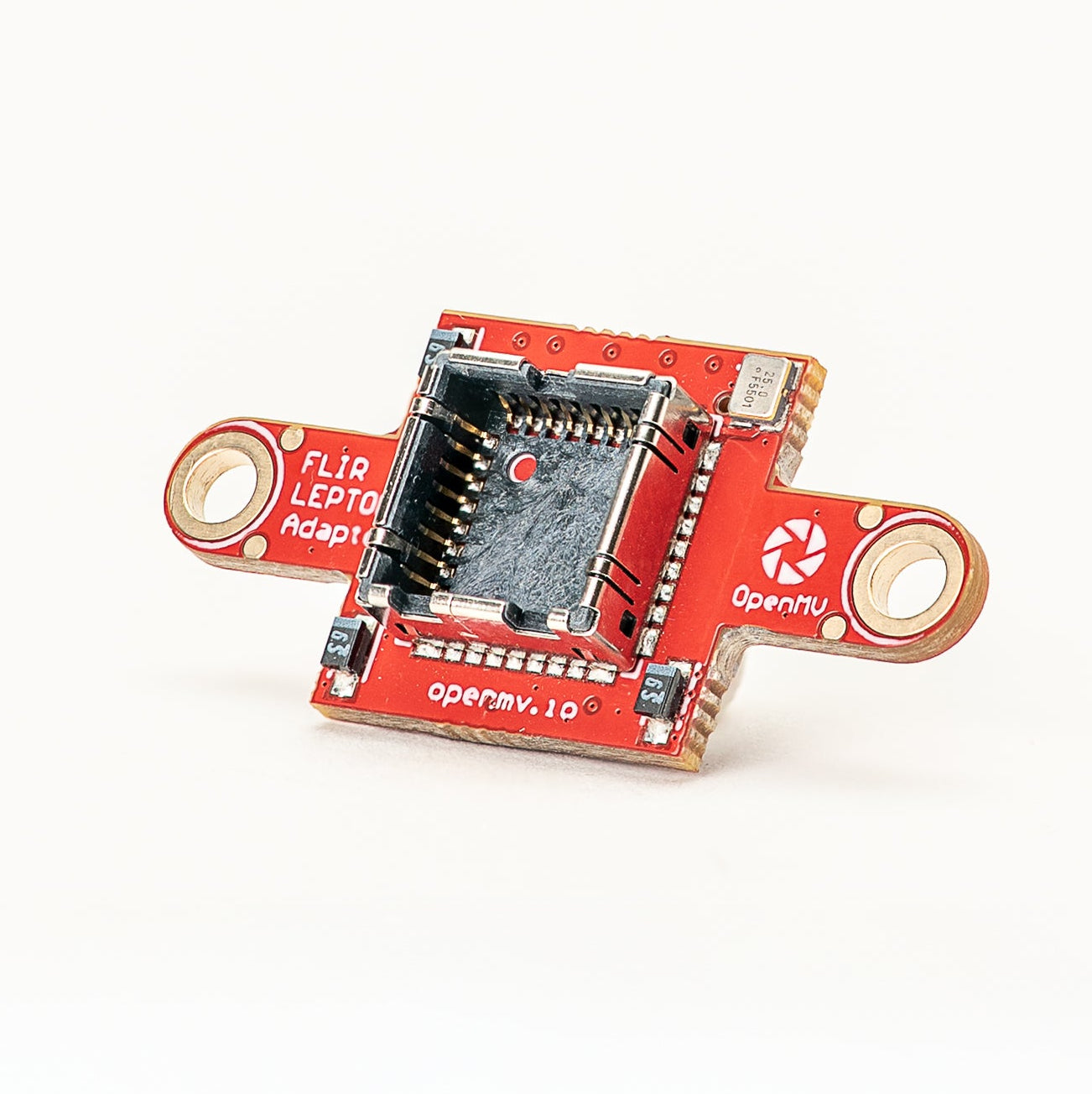
FLIR Lepton Adapter
Adapter for FLIR Lepton 1.x / 2.x / 3.x thermal cores.
Explore →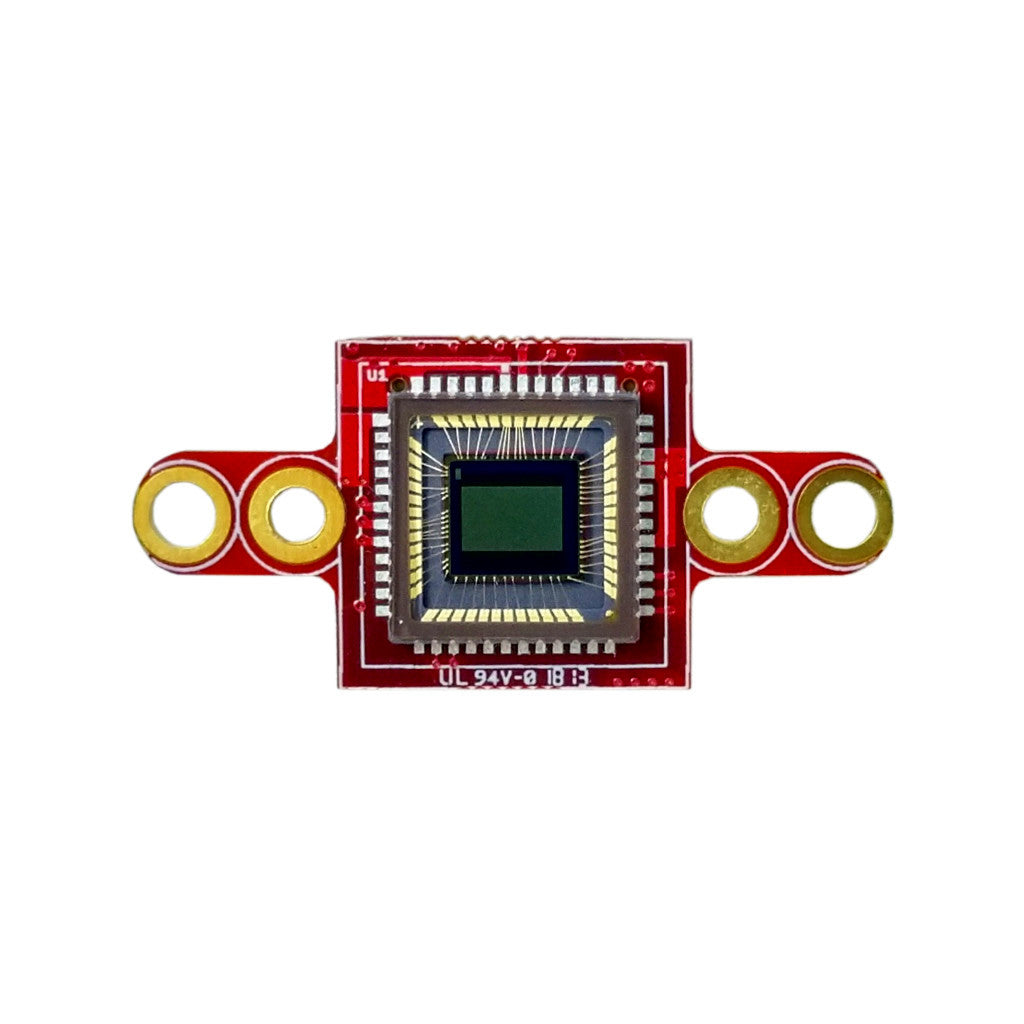
Global Shutter Camera Module
Monochrome global-shutter sensor for fast-motion capture.
Explore →